Farm → field → block → bed
Use a structure that matches how work is assigned and results are measured.
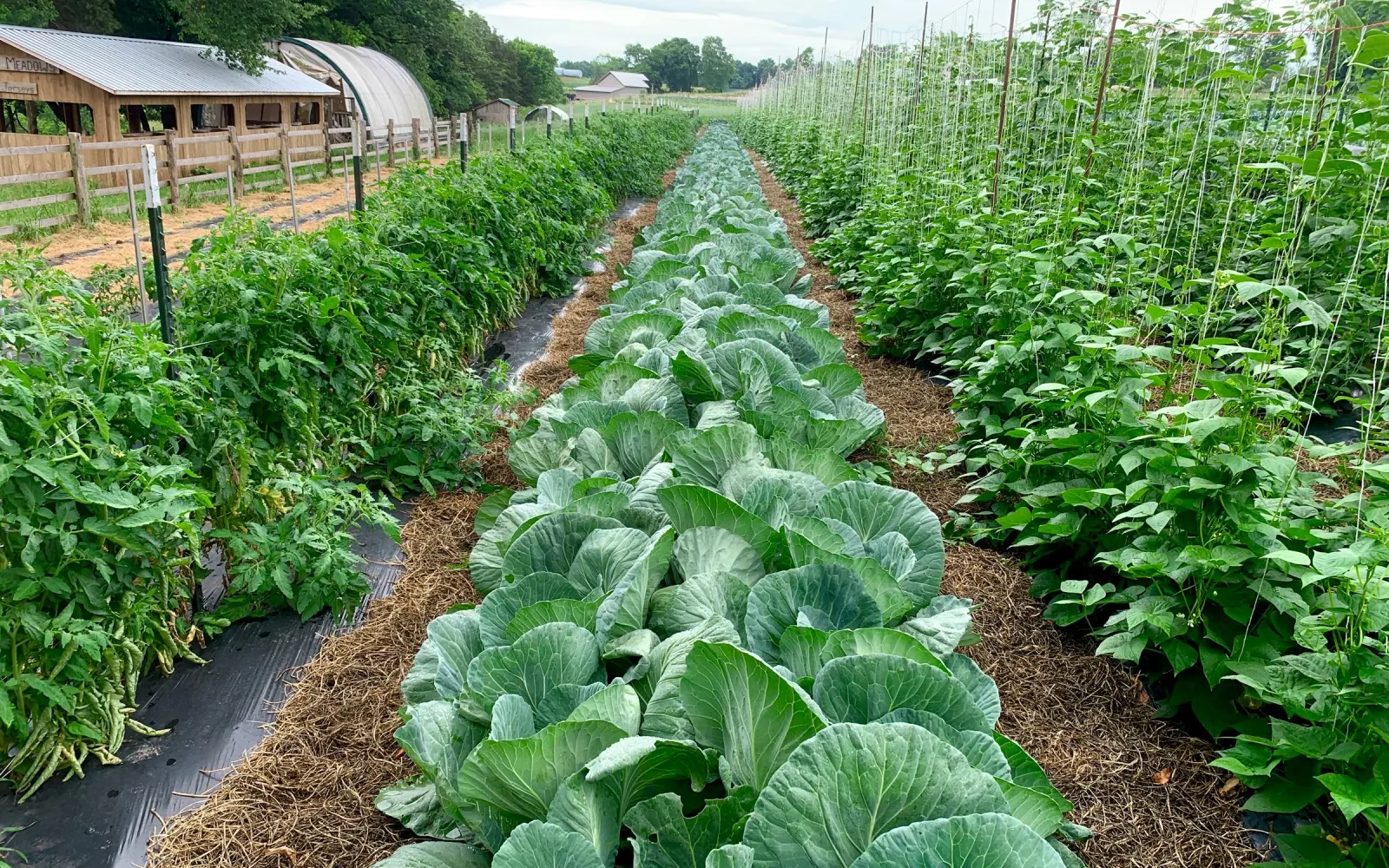
Gros.farm for open-field vegetables
Plan work by plot and crop, adapt when field conditions change, and record what the team actually did. Gros.farm connects the cultivation plan, assignments, crop observations, treatments, and harvest results without requiring sensors to get started.
Fields, blocks, and beds
Crop-specific seasonal plans
Weather-aware daily work
Harvest waves and quality
Open-field visibility
When several crops and plots run in parallel, a seasonal spreadsheet quickly loses the link between the place, crop stage, field condition, assigned work, and actual result.
Use a structure that matches how work is assigned and results are measured.
Keep each crop cycle connected to the plot where it is actually grown.
Reprioritize work when rain, wind, heat, or soil condition changes the viable window.
Keep output and quality tied to the season history that produced them.
Farm registry
Keep facilities, production areas, active crops or lots, and growing cycles in one structure. The registry gives tasks, observations, metrics, and analytics a shared place and production context.
Explore the farm registry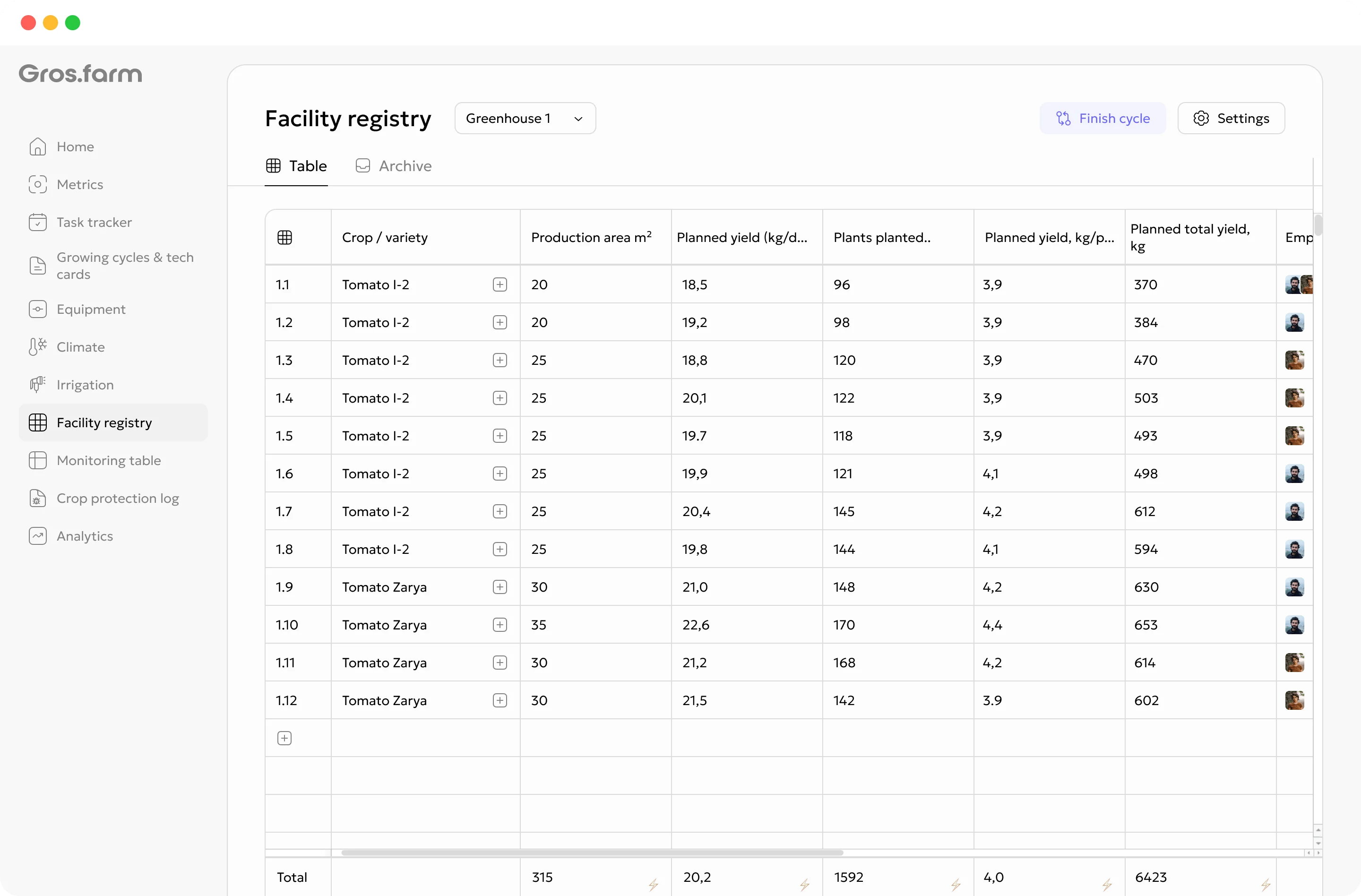
One season, one connected record
Direct-seeded, transplanted, and repeat-harvest crops need different stages and operations. Keep the plan specific enough to guide work, while allowing the team to record actual dates and deviations.
Record the plot, soil context, inputs, and planned field operations.
Capture sowing or transplanting, area, variety, and actual date.
Coordinate irrigation, nutrition, cultivation, and routine inspections.
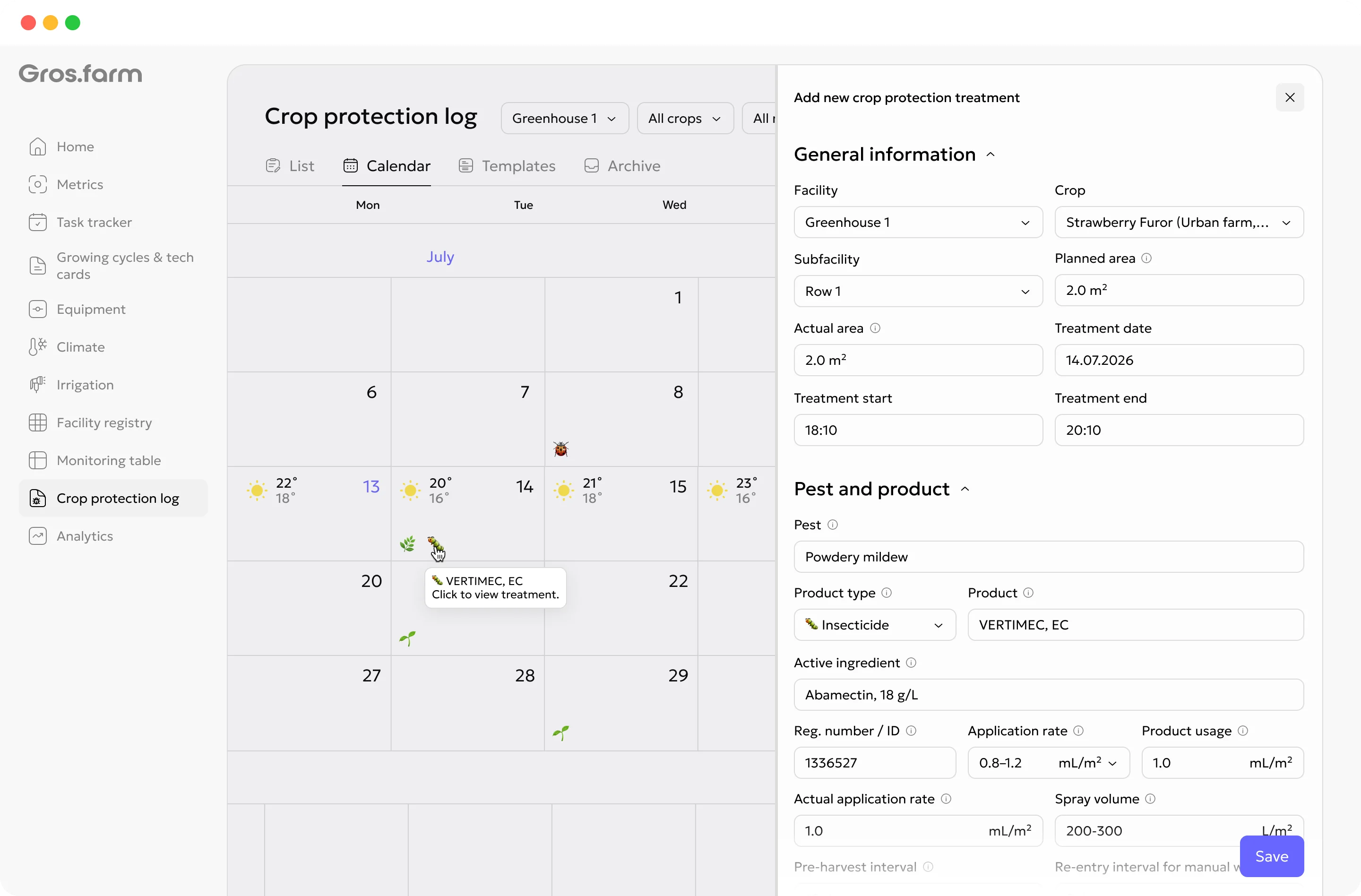
Connect scouting observations, decisions, treatments, and restrictions.
Track crop stage, quality, and readiness for the first harvest.
Record timing, output, grade, and subsequent picking waves.
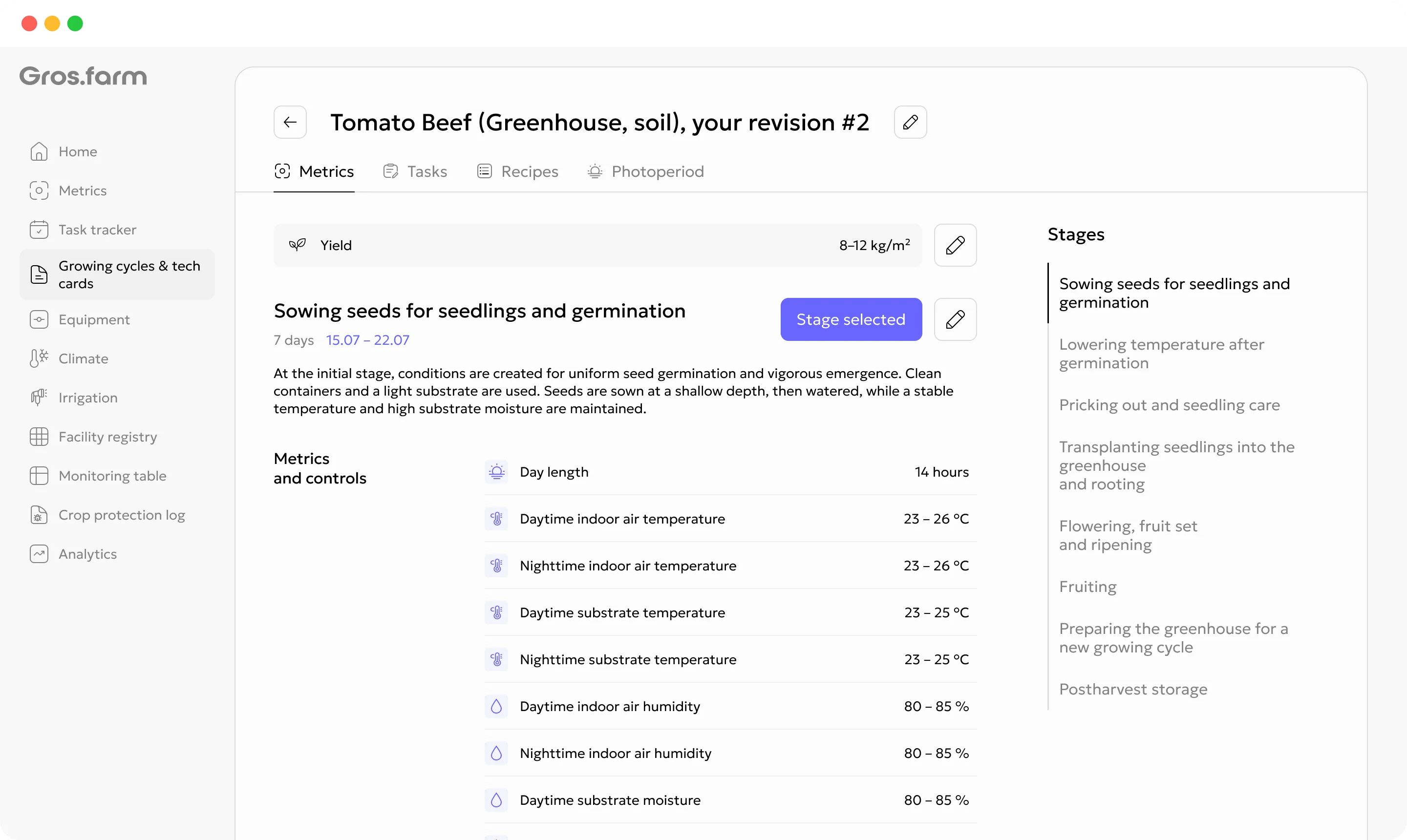
Cultivation plans
A cultivation plan can hold stages, target ranges, recurring work, recipes, photoperiod, and other production parameters. Templates are starting points, not universal recommendations: review every plan for the crop, facility, equipment, and production objective.
Explore digital crop plansField work people can act on
The field team should not have to reconstruct the plan from a chat. Each assignment can stay connected to the right plot, crop cycle, date, priority, and instruction.
Move irrigation, field entry, transplanting, or treatment work when the usable window changes.
Record the location and issue, then create a follow-up task for the responsible person.
Store the product, rate, conditions, operator, date, and relevant pre-harvest interval.
Use statuses and available observations to understand what changed from the plan.
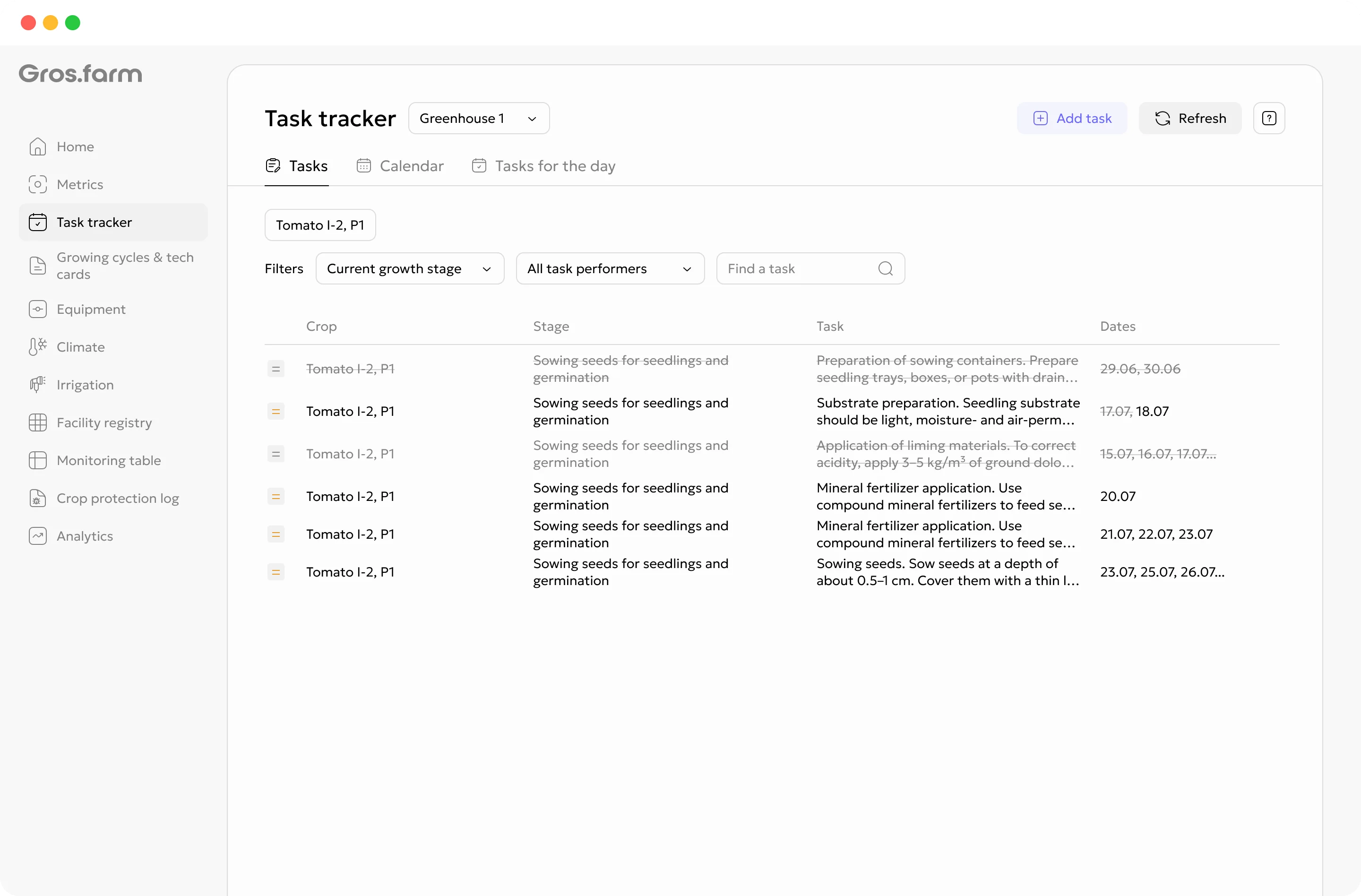
Tasks carry the facility, growing cycle, cultivation-plan stage, date, priority, instruction, and assignee—not just a title and deadline.
Explore tasks and team →Monitoring and crop observations
Add manual observations, key dates, photos, comments, and available automatic or calculated values to the active growing cycle. A shorter, consistently updated monitoring set is more useful than a large table the team cannot maintain.
Production analytics
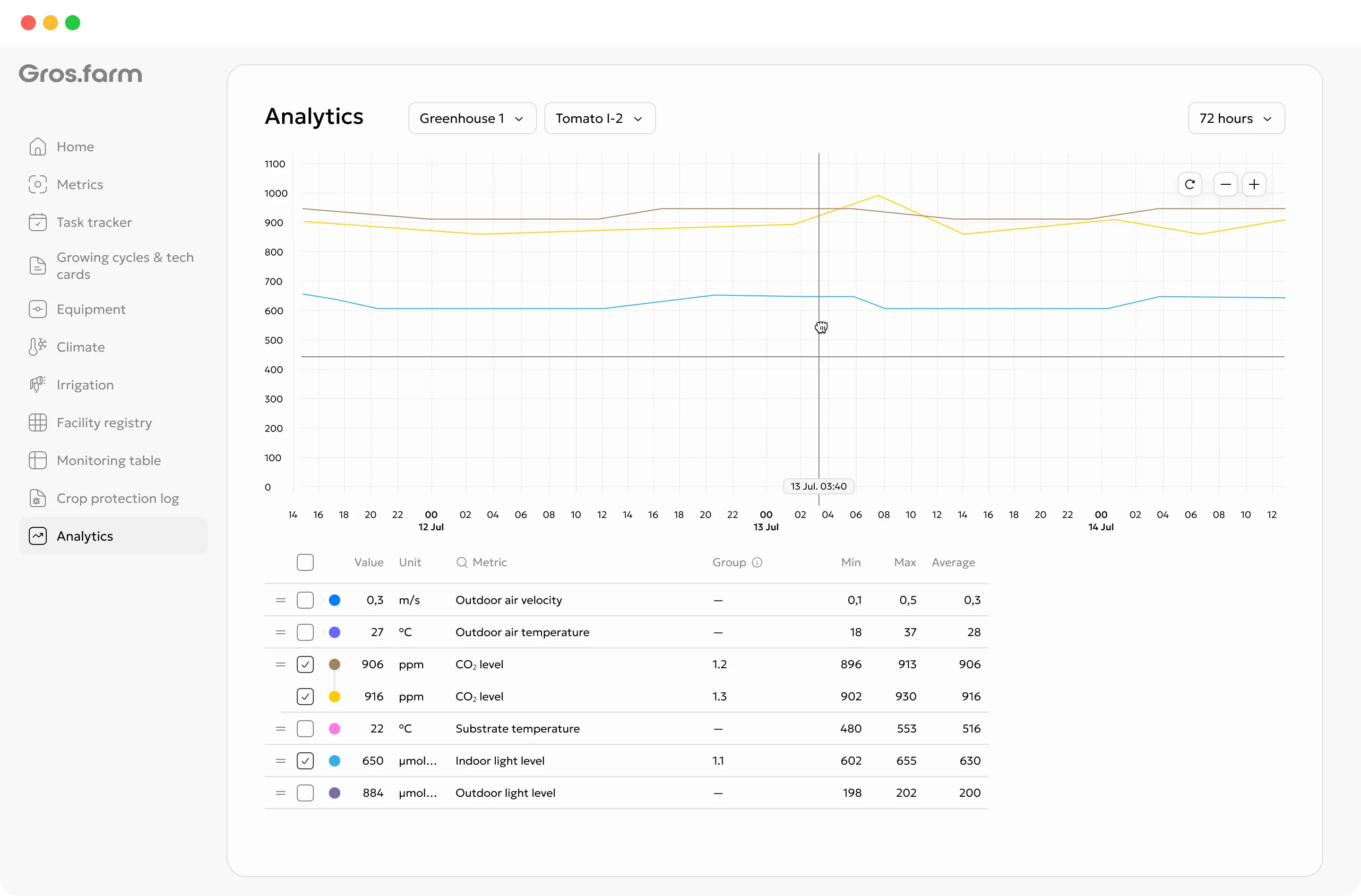
Separate timing, output, quality, and production events so the team can compare like with like across seasons.
Compare sowing, transplanting, and the first and subsequent harvests.
Use a consistent area and harvest definition.
Keep categories and non-marketable share visible.
Clear control boundary
Gros.farm does not replace PLCs, controllers, SCADA, or local safety scenarios. The local layer remains responsible for physical operation and safe autonomous control.
Pumps, valves, ventilation, lighting, dosing, interlocks, and emergency scenarios.
Stages, targets, schedules, tasks, data history, analytics, and supported configuration exchange.
Fit the production model
Build the production flow around the crop and market window rather than copying one plan across every plot.
Propagation source, transplant date, establishment, repeated care, and harvest.
Seed lot, emergence, stand uniformity, cultivation, and harvest readiness.
Multiple picking dates, labor coordination, output, and quality by wave.
GFAi with farm context
GFAi can help find comparable plots, missing records, and patterns worth checking. Agronomic conclusions still require a specialist and reliable source data.
It does not replace the grower, agronomist, technologist, or controls engineer responsible for the decision.
Questions to investigate
Start with one working production contour
You do not need to digitize every site, crop, and integration at once. Start with one active cycle that the team can keep current.
Choose a field, block, or bed structure that the team already uses.
Record the variety, dates, current stage, and upcoming operations.
Assign work, record changes, and keep the actual season history.
Related production systems
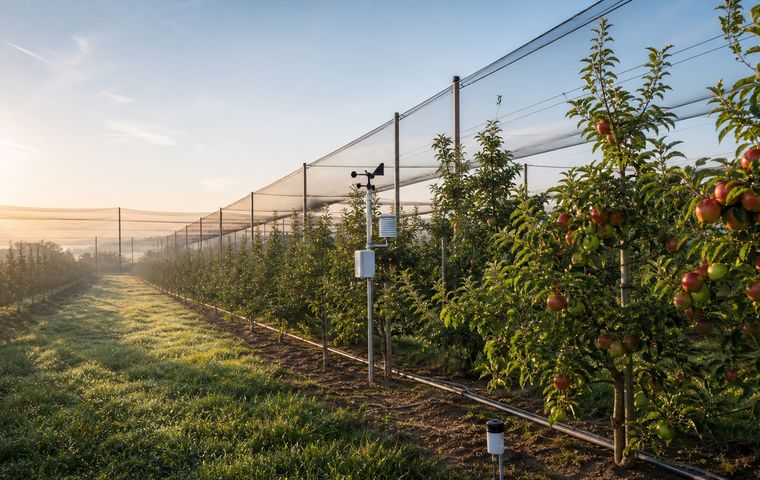 Perennial crops
Keep blocks, rows, varieties, phenology, scouting, crop protection, irrigation work, yield, and quality in one perennial history.
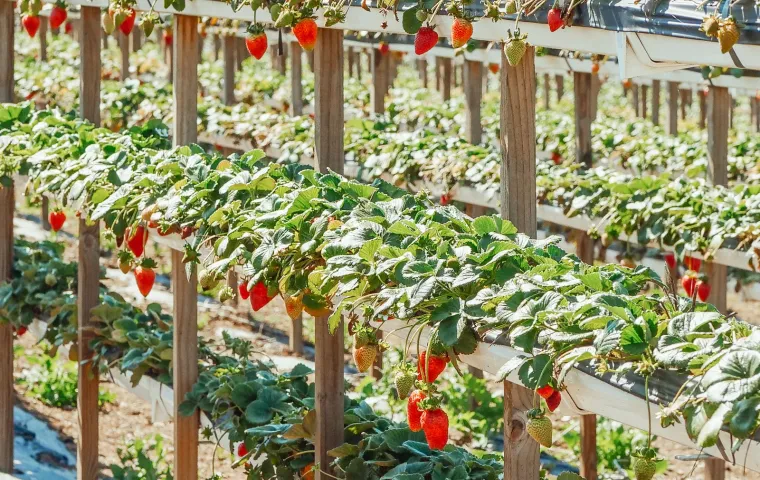 Field, tunnel, greenhouse, or indoor
Manage berry varieties, crop cycles, harvest waves, quality, tasks, and observations across different production formats.
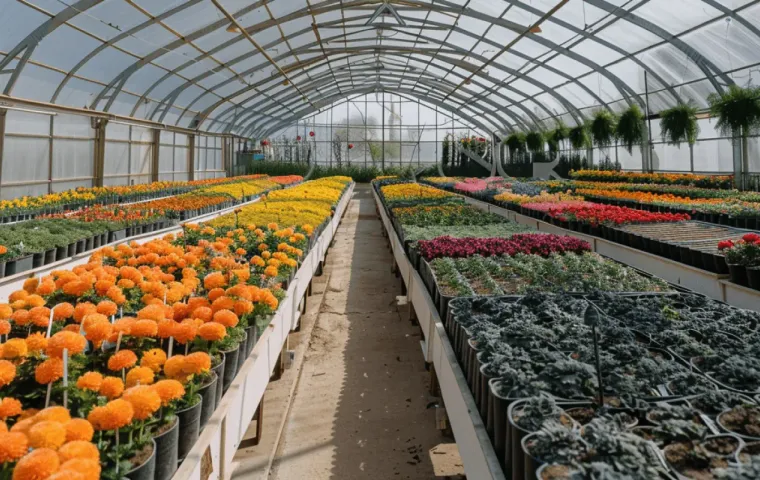 Propagation and planting material
Track plant lots, provenance, locations, transplants, recurring care, grading, losses, and readiness for sale or transfer.
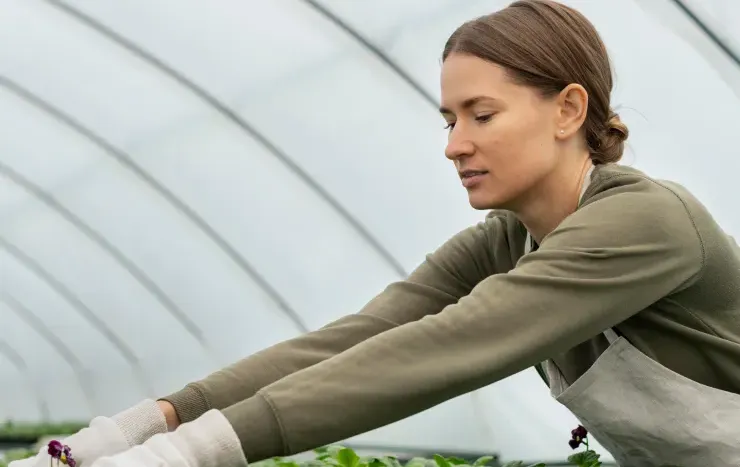 Protected cultivation
Connect crop stages, climate targets, irrigation, crop work, observations, and harvest results by greenhouse block.
Questions before setup
Yes. The registry, cultivation plan, tasks, crop observations, and harvest records can be used with manual input. External weather and sensor sources can be added when configured.
The production flow can connect a treatment with the relevant plot, crop cycle, product, rate, conditions, date, and responsible person. The farm remains responsible for local regulatory and label compliance.
Yes. Each active cycle stays connected to its own plot, crop, variety, stage, and work plan, while management retains a shared view of the organization.
No. AI can help review the available context and formulate questions. A qualified specialist makes crop-protection and irrigation decisions.
Open-field production
Coordinate fields, crop plans, weather-sensitive work, crop protection records, harvest waves, and field results.