
Complex → house → block → zone
Represent the physical layout at the level your team can maintain and compare.
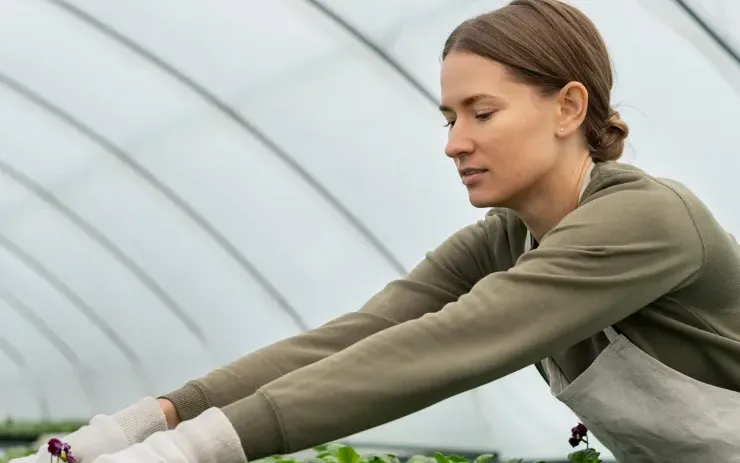
Gros.farm for greenhouse production
Keep greenhouse blocks, crop batches, cultivation plans, daily work, climate context, and cycle results in one production system. Local controllers keep equipment running; Gros.farm helps the team understand what the crop needs and what happened.
Greenhouse blocks and crop batches
Stage-specific crop plans
Climate and irrigation context
Yield and quality by cycle
One production context
A climate computer reports equipment states. Production management must also connect those states to the greenhouse block, cultivar, crop stage, scheduled work, observations, and result.
Represent the physical layout at the level your team can maintain and compare.
Keep each active batch tied to its place and current growing cycle.
Root establishment, vegetative growth, fruiting, and harvest do not share one operating context.
Review output, grade, observations, and completed work together.
Farm registry
Keep facilities, production areas, active crops or lots, and growing cycles in one structure. The registry gives tasks, observations, metrics, and analytics a shared place and production context.
Explore the farm registry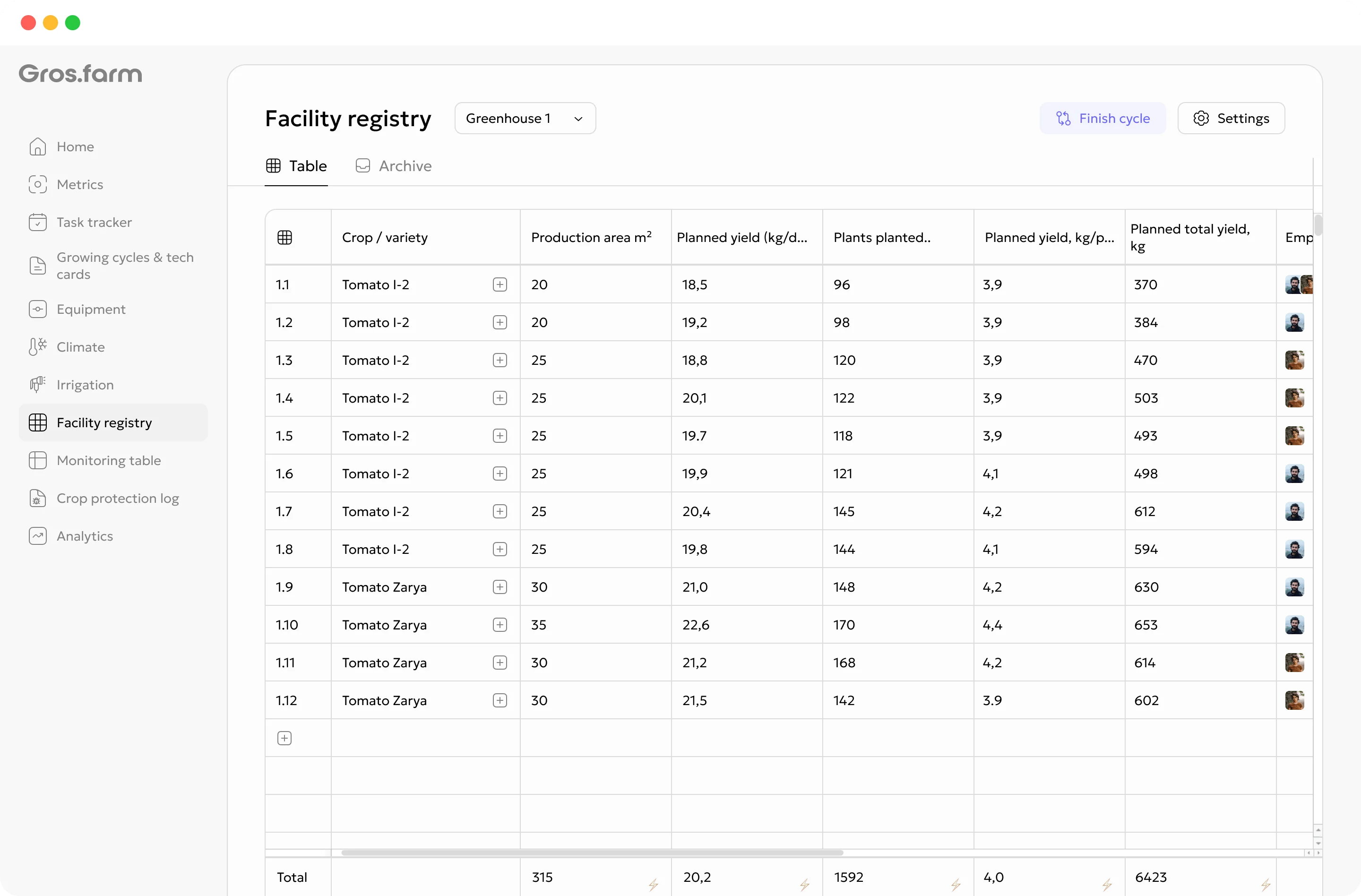
Crop development over time
Adapt the cultivation plan to the crop, cultivar, facility, and equipment. The stage gives the team the current targets, operations, instructions, and checkpoints.
Set up the block, substrate, crop plan, and responsible team.
Record the batch, cultivar, plant count, density, and dates.
Track rooting, uniformity, and the first target ranges.
Coordinate training, pruning, nutrition, and plant observations.
Follow crop load, fruit development, quality, and expected output.
Record actual yield and grade against the cycle plan.
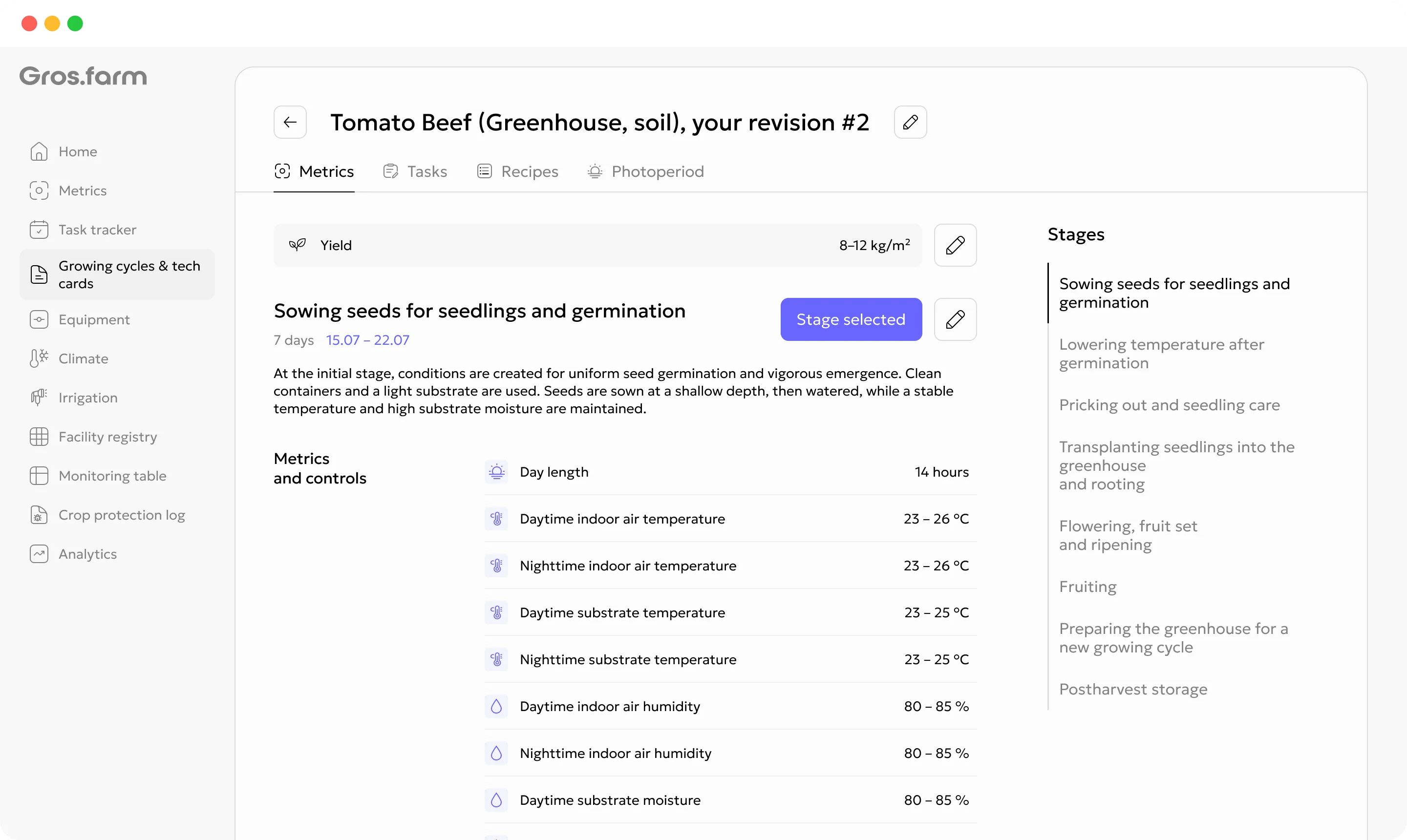
Cultivation plans
A cultivation plan can hold stages, target ranges, recurring work, recipes, photoperiod, and other production parameters. Templates are starting points, not universal recommendations: review every plan for the crop, facility, equipment, and production objective.
Explore digital crop plansCrop work with context
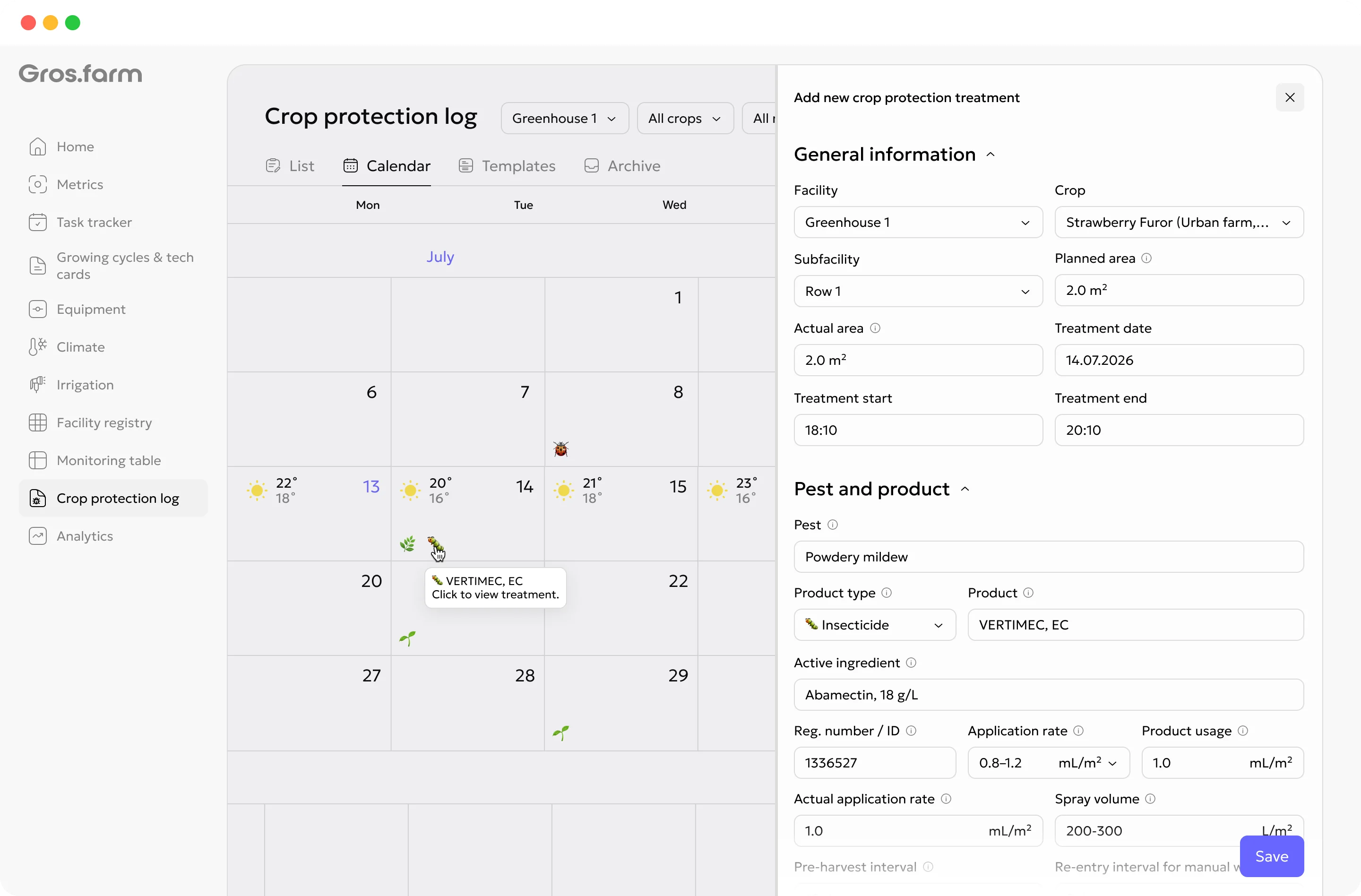
Routine operations can start from the cultivation plan; one-off work can be added when the team observes a problem. Every task remains connected to the block and cycle.
Bring plant observations, photos, manual values, and available climate data into the cycle history.
Keep the location, crop context, treatment details, assignee, and completion status together.
Assign work by date, priority, block, crop, and responsible team member.
A missed status is a signal to check with the team, not automatic proof the work was skipped.
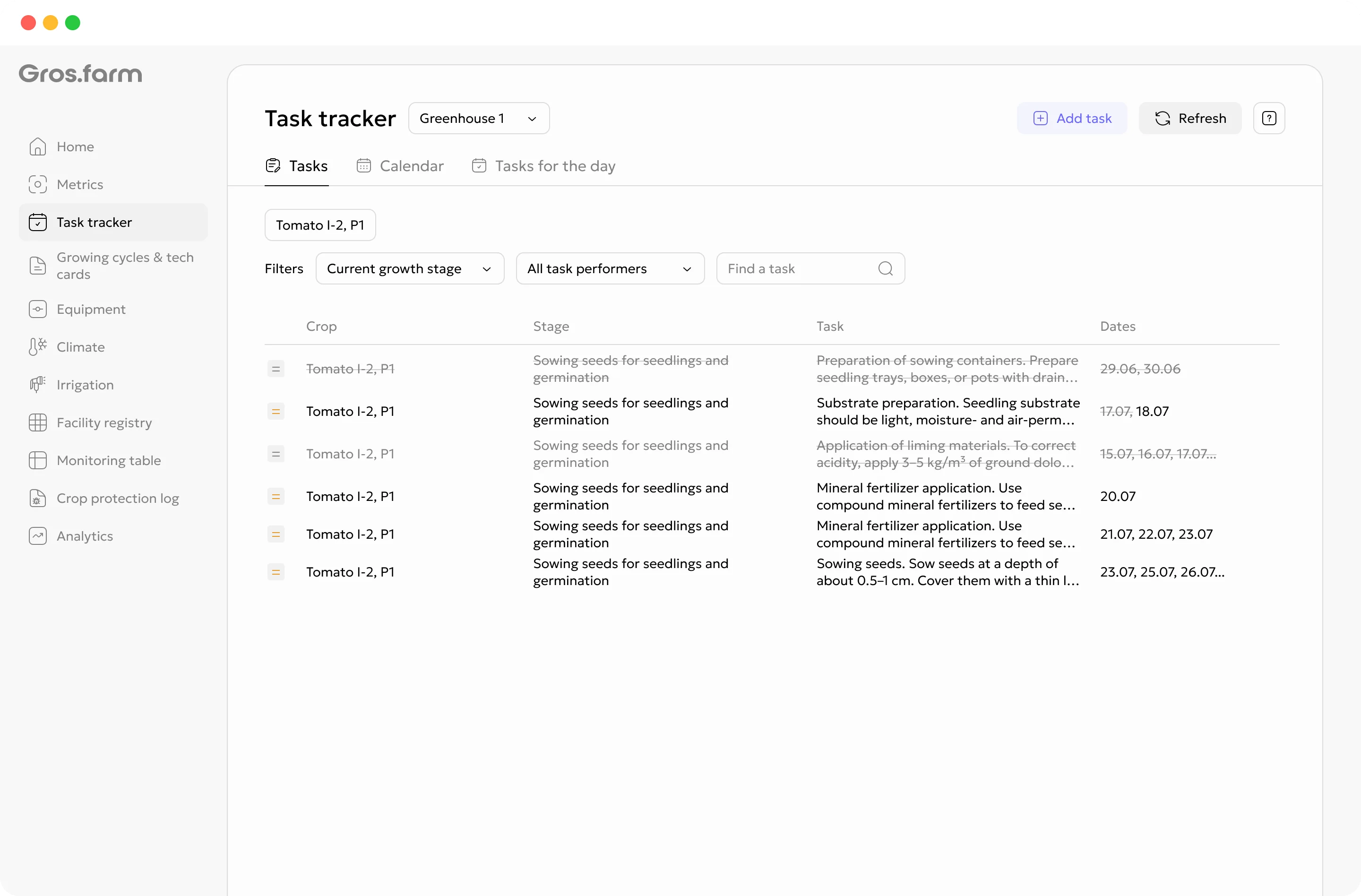
Tasks carry the facility, growing cycle, cultivation-plan stage, date, priority, instruction, and assignee—not just a title and deadline.
Explore tasks and team →Monitoring and crop observations
Add manual observations, key dates, photos, comments, and available automatic or calculated values to the active growing cycle. A shorter, consistently updated monitoring set is more useful than a large table the team cannot maintain.
Production analytics
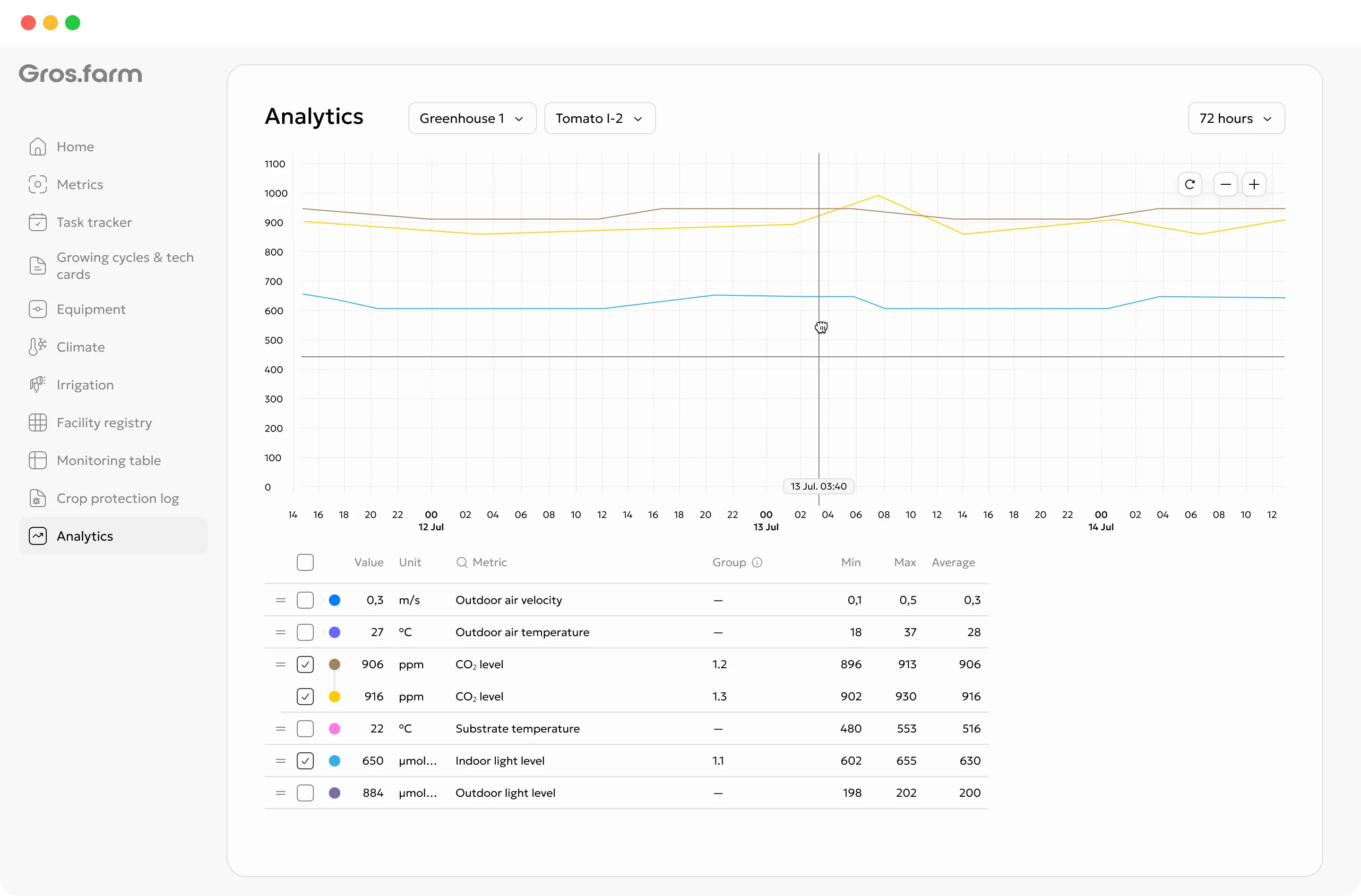
Compare cycles only at a meaningful grain: greenhouse block, crop, cultivar, and stage. A chart can support investigation, but it does not establish agronomic causation by itself.
Review harvest volume for the same block and cycle.
Use consistent area definitions and comparable cycles.
Keep quality categories alongside total output.
Clear control boundary
Gros.farm does not replace PLCs, controllers, SCADA, or local safety scenarios. The local layer remains responsible for physical operation and safe autonomous control.
Pumps, valves, ventilation, lighting, dosing, interlocks, and emergency scenarios.
Stages, targets, schedules, tasks, data history, analytics, and supported configuration exchange.
Fit the production model
Use the same platform for vegetable crops, berries under protection, propagation, or mixed greenhouse sites—without forcing every production line into one universal recipe.
Blocks, crop load, recurring operations, multiple harvests, and grade.
Fast batches, sowing and transplant dates, uniformity, and harvest readiness.
Lots, trays, development stages, hardening, and readiness for transfer.
GFAi with farm context
GFAi can help compare connected farm data, find gaps, and formulate hypotheses for a specialist to verify. It does not replace the grower, agronomist, or controls engineer.
It does not replace the grower, agronomist, technologist, or controls engineer responsible for the decision.
Questions to investigate
Start with one working production contour
You do not need to digitize every site, crop, and integration at once. Start with one active cycle that the team can keep current.
Recreate its useful structure down to the zone or row your team actually works with.
Add the current stages, key targets, and regular operations.
Assign the next work, record observations, and compare the first plan-versus-actual result.
Related production systems
 Field, tunnel, greenhouse, or indoor
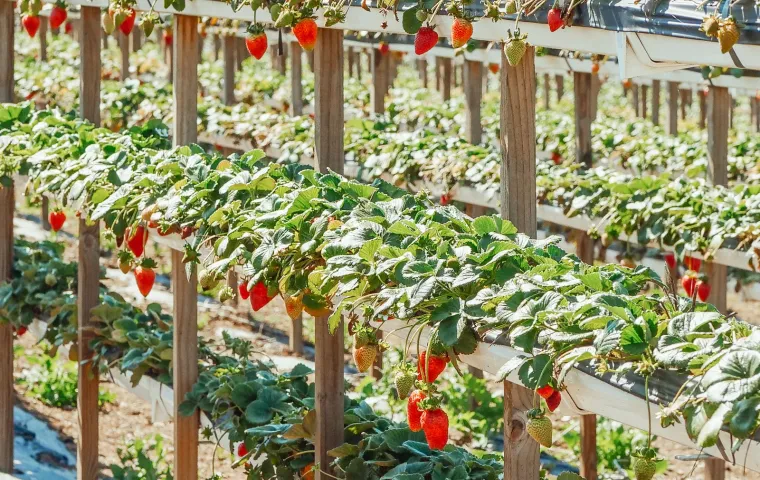
Manage berry varieties, crop cycles, harvest waves, quality, tasks, and observations across different production formats.
 Cut flowers and ornamentals
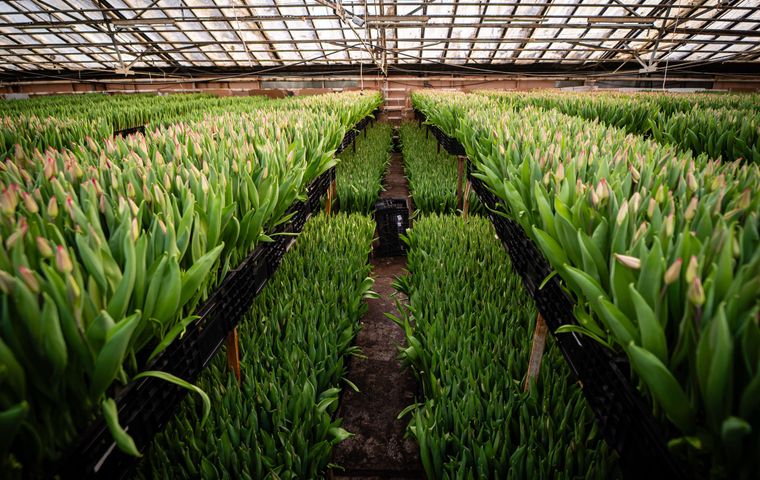
Coordinate flower batches to a target market date with crop stages, climate context, work, cutting, grade, and actual output.
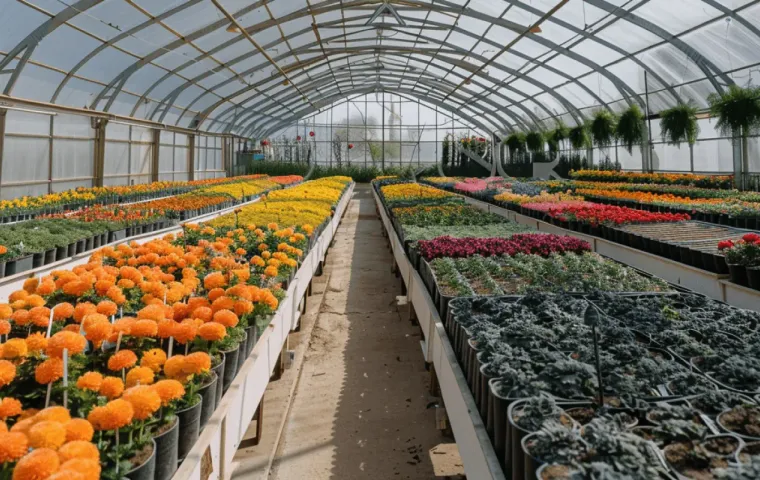 Propagation and planting material
Track plant lots, provenance, locations, transplants, recurring care, grading, losses, and readiness for sale or transfer.
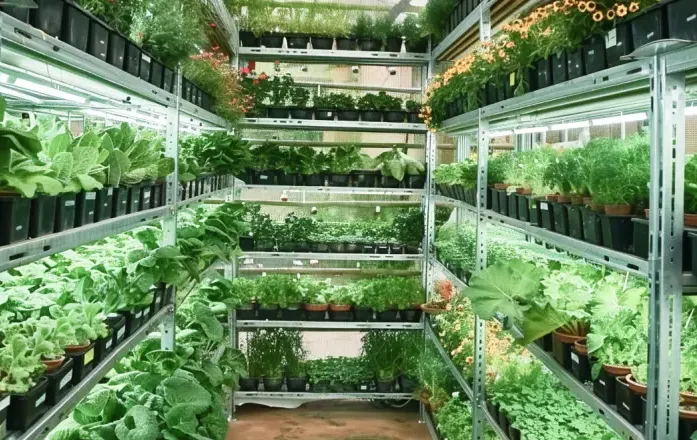 Controlled-environment production
Manage rooms, lines, racks, tiers, crop batches, recipes, light, nutrient context, shift work, output, and quality.
Questions before setup
No. Local controllers, PLCs, and SCADA remain responsible for physical control, safety, and autonomous operation. Gros.farm adds cultivation plans, production context, tasks, data history, and analytics on top of that layer.
Yes. Start with the farm registry, an adapted cultivation plan, tasks, and manual observations. Add sensor data or integrations when the use case and engineering compatibility are clear.
Yes. Sites, houses, blocks, and zones can be represented inside one organization, with access and responsibilities assigned to the relevant people.
No. Templates are starting points. Targets and operations must be reviewed for the crop, cultivar, facility, equipment, climate, and production objective.
Protected cultivation
Connect crop stages, climate targets, irrigation, crop work, observations, and harvest results by greenhouse block.