
Room, racks, shelves, and zones
Connect the physical layout to the active turn and responsible people.
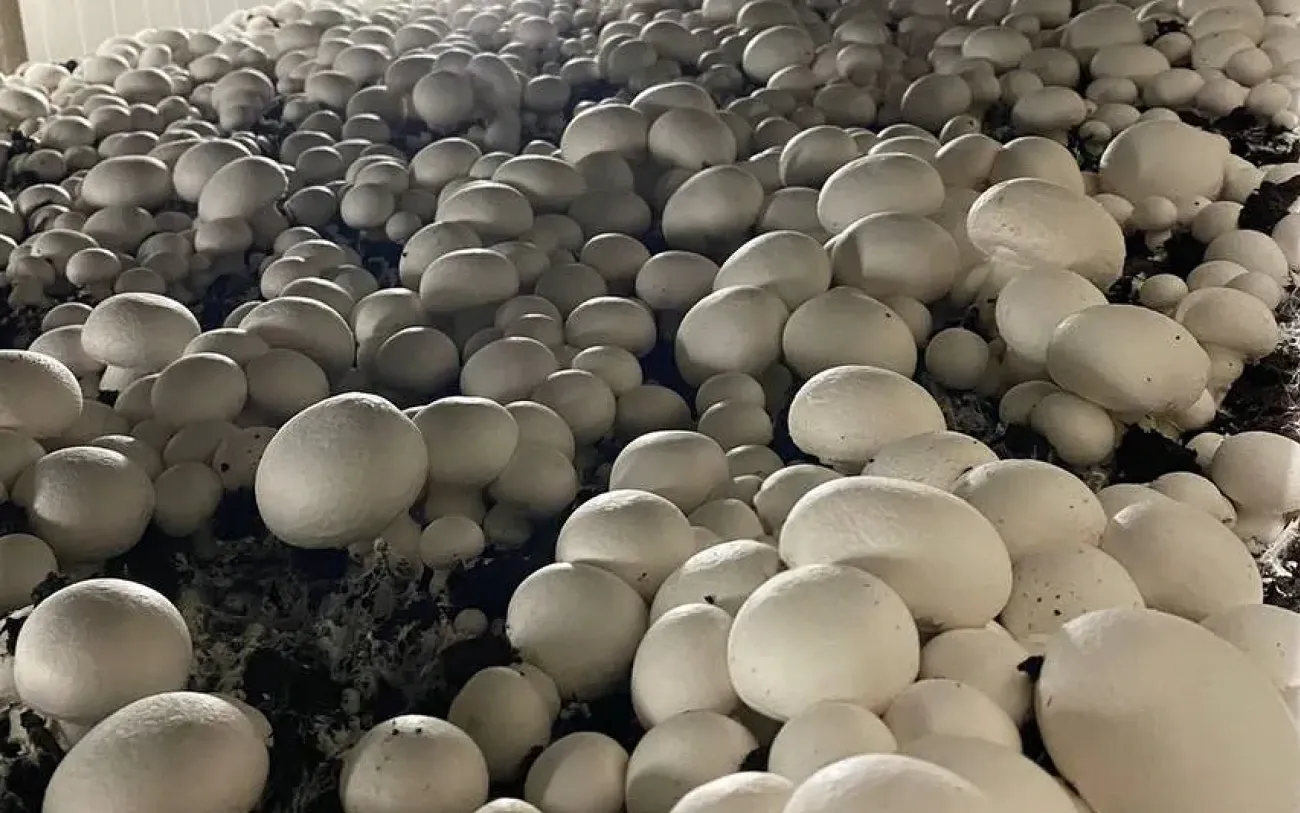
Gros.farm for mushroom production
Keep the room, racks, compost or substrate lot, biological phase, climate targets, grower observations, shift work, harvest flushes, and output in one production history.
Grow rooms and turns
Compost or substrate lots
Biological phases and climate context
Yield by flush and turn
One room, many meanings
A room during colonization is not the same production state as a room entering a harvest flush. Data only becomes useful when it stays connected to the biological phase and production turn.
Connect the physical layout to the active turn and responsible people.
Keep source lots and loading dates in the production record.
Adapt the production plan to the farm’s species and operating method.
Compare turns without separating the result from the process.
Farm registry
Keep facilities, production areas, active crops or lots, and growing cycles in one structure. The registry gives tasks, observations, metrics, and analytics a shared place and production context.
Explore the farm registry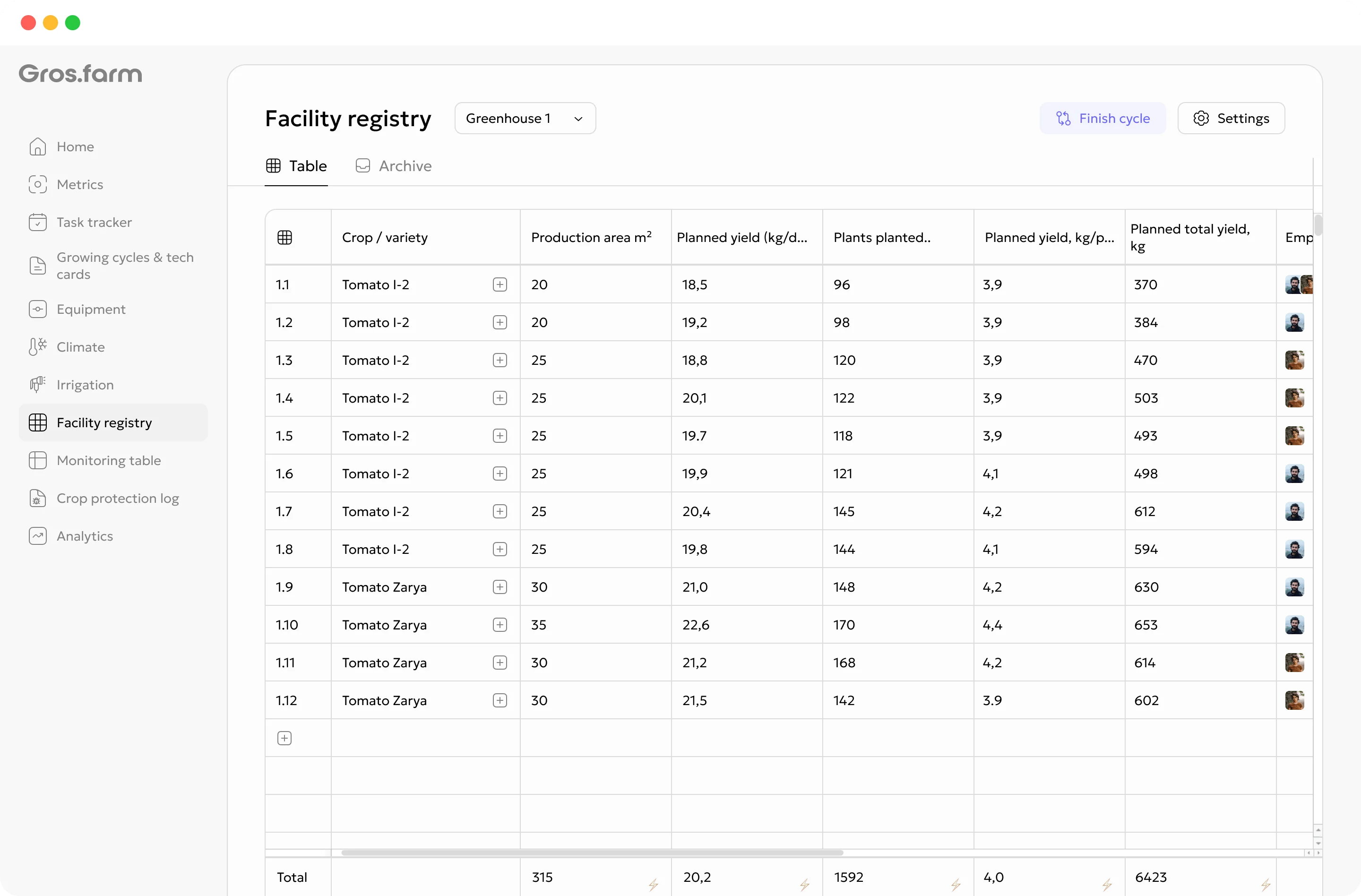
The grow-room turn
Button mushrooms on compost and oyster mushrooms on blocks do not share one process. Configure the stages, checkpoints, and work for the farm’s actual technology.
Record the room, compost or blocks, lot, date, racks, and loading map.
Track mycelium development, substrate temperature, and routine checks.
Record casing or initiation work and the relevant observations.
Follow cooling, fresh air, CO₂ context, and phase criteria.
Track primordia development and preparation for the first flush.
Record picking by day, output, quality, and turn completion.
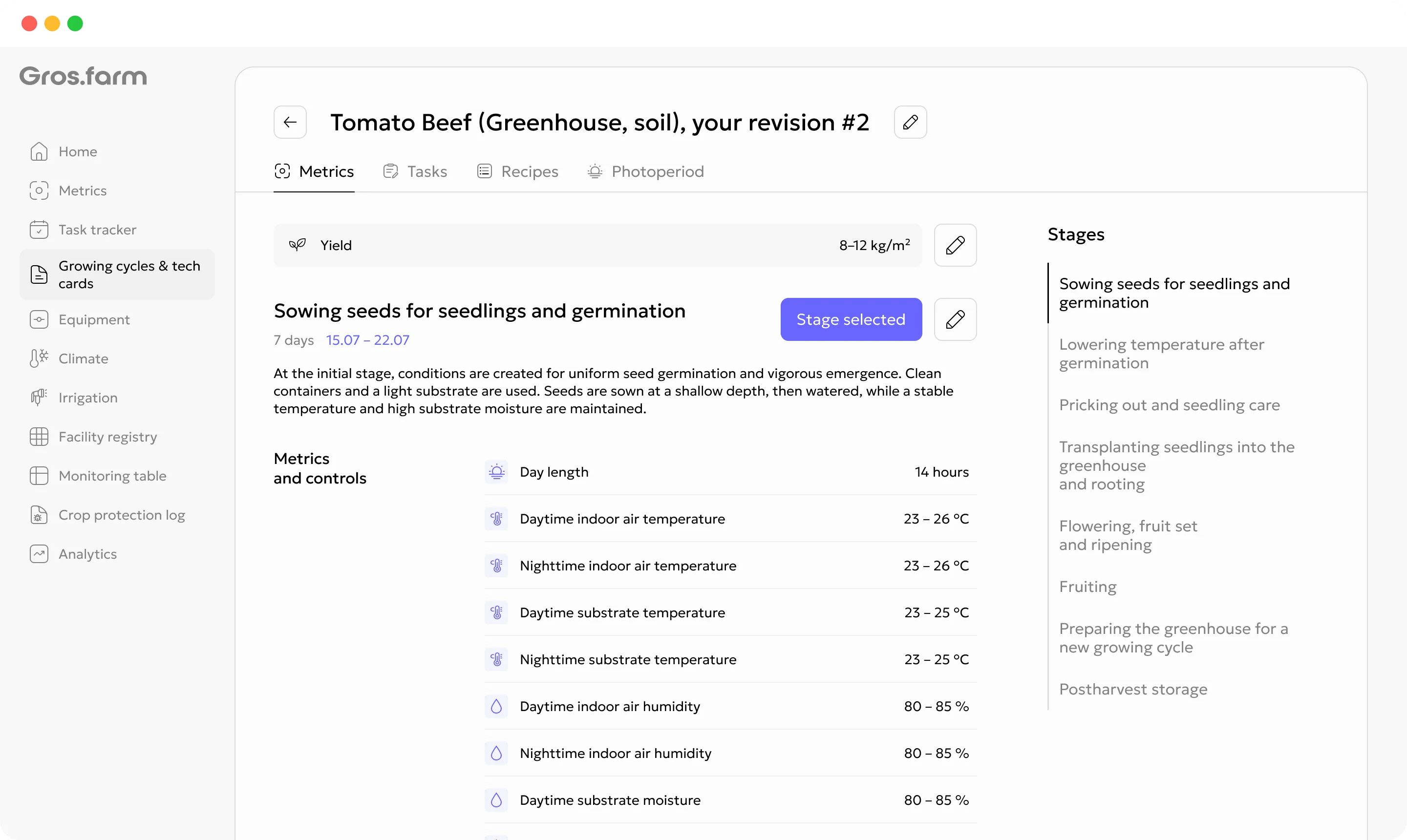
Cultivation plans
A cultivation plan can hold stages, target ranges, recurring work, recipes, photoperiod, and other production parameters. Templates are starting points, not universal recommendations: review every plan for the crop, facility, equipment, and production objective.
Explore digital crop plansGrower and operator shifts
Watering, observations, room preparation, picking, sanitation, and equipment checks should reach the team with the exact room, phase, and instruction.
Give growers and operators the date, priority, place, and instruction.
Keep pinning, flush start, photos, comments, and available automatic values together.
Record actual weight and quality without losing the room and turn context.
Use work, observations, conditions, and result to plan the next loading.
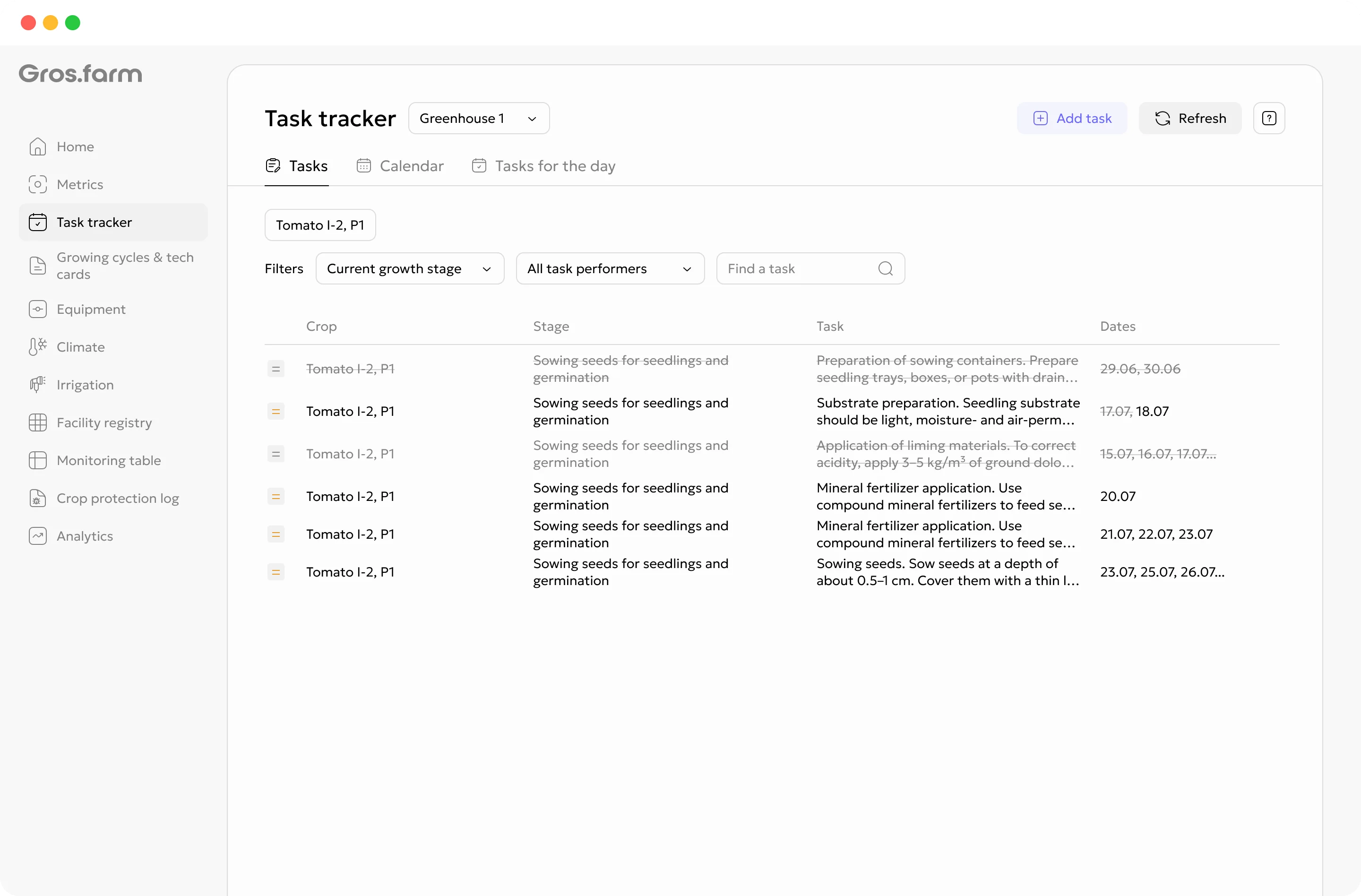
Tasks carry the facility, growing cycle, cultivation-plan stage, date, priority, instruction, and assignee—not just a title and deadline.
Explore tasks and team →Monitoring and crop observations
Add manual observations, key dates, photos, comments, and available automatic or calculated values to the active growing cycle. A shorter, consistently updated monitoring set is more useful than a large table the team cannot maintain.
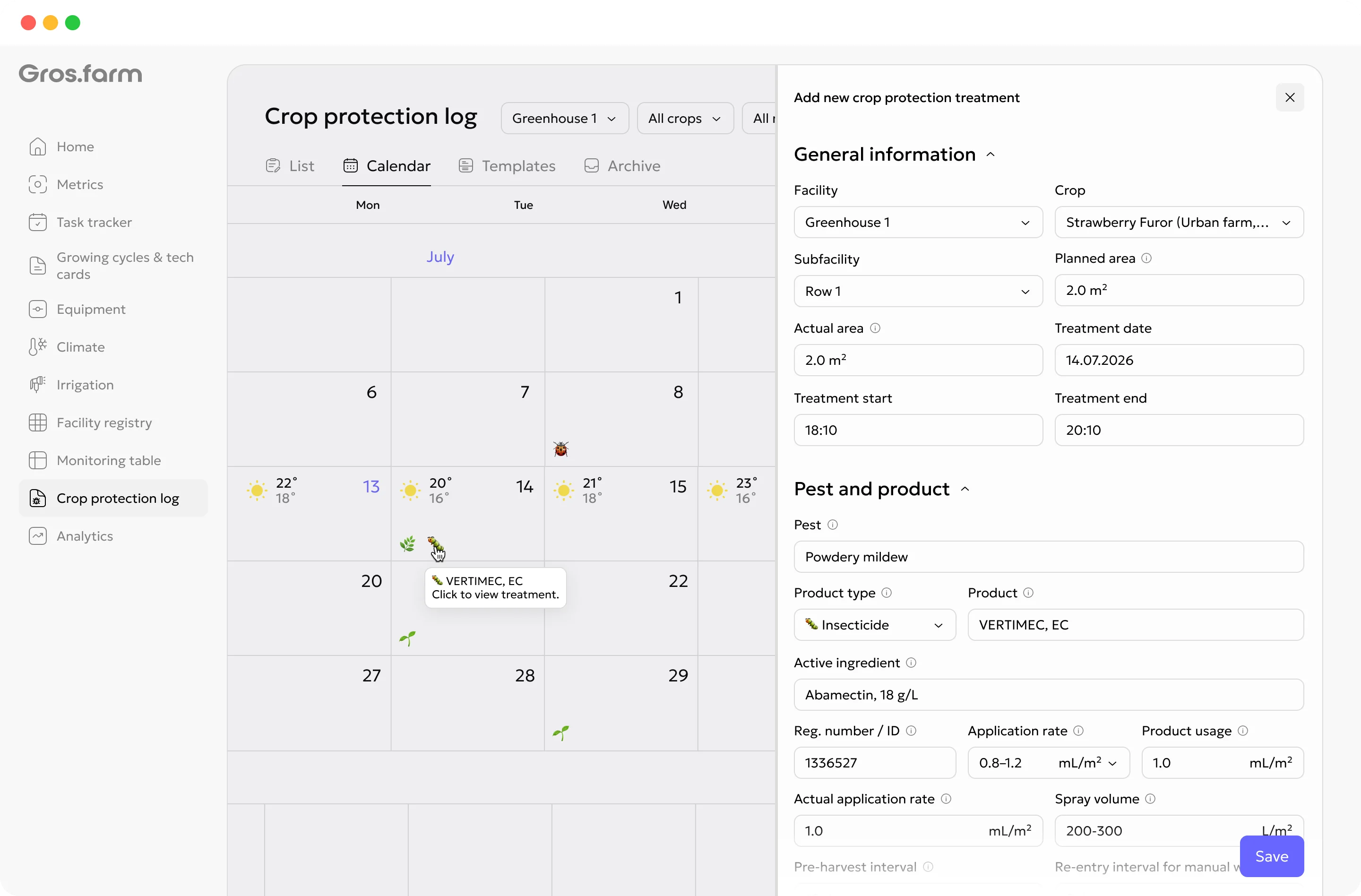
Production analytics
Climate charts can support investigation only when room, biological phase, material lot, work, and observations are aligned.
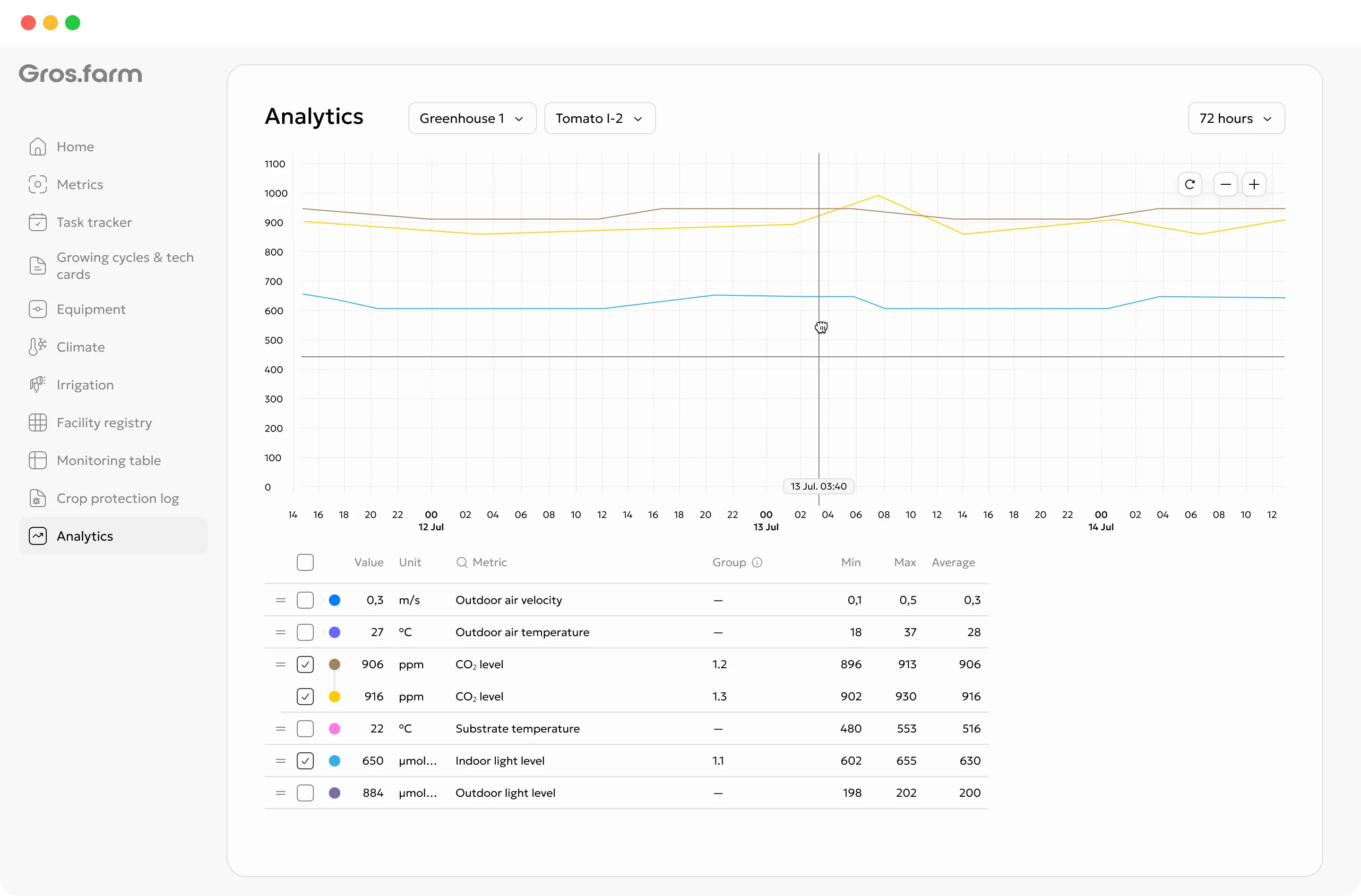
Compare turns with the same species and production method.
Review both the distribution and the total result.
Keep the farm’s quality categories consistent.
Clear control boundary
Gros.farm does not replace PLCs, controllers, SCADA, or local safety scenarios. The local layer remains responsible for physical operation and safe autonomous control.
Pumps, valves, ventilation, lighting, dosing, interlocks, and emergency scenarios.
Stages, targets, schedules, tasks, data history, analytics, and supported configuration exchange.
Fit the production model
Do not force compost rooms and substrate-block production into one universal template.
Compost lot, casing, transition, pinning, flushes, and unloading.
Block lot, incubation, initiation, fruiting, harvest, and sanitation.
Adapt stages, observations, climate context, and work to the actual process.
GFAi with farm context
GFAi can help compare suitable turns and find missing evidence. It does not replace the mushroom technologist or controls engineer.
It does not replace the grower, agronomist, technologist, or controls engineer responsible for the decision.
Questions to investigate
Start with one working production contour
You do not need to digitize every site, crop, and integration at once. Start with one active cycle that the team can keep current.
Represent the racks, shelves, or block zones that matter to the team.
Record species, strain, compost or block lot, loading date, and phase.
Assign watering, inspections, picking, sanitation, or other immediate work.
Related production systems
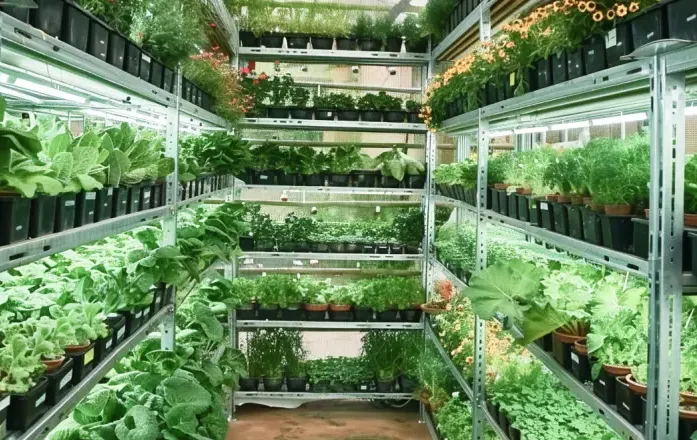 Controlled-environment production
Manage rooms, lines, racks, tiers, crop batches, recipes, light, nutrient context, shift work, output, and quality.
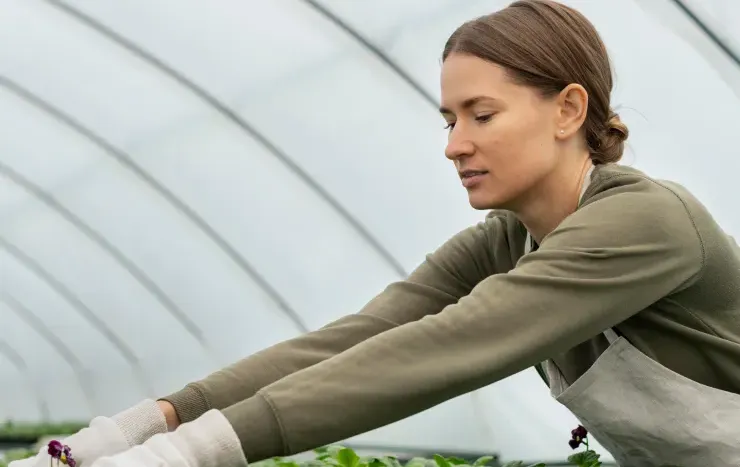 Protected cultivation
Connect crop stages, climate targets, irrigation, crop work, observations, and harvest results by greenhouse block.
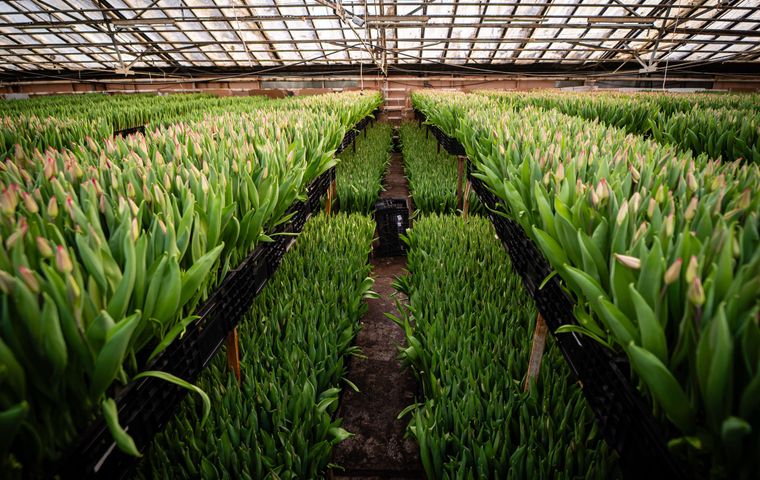 Cut flowers and ornamentals
Coordinate flower batches to a target market date with crop stages, climate context, work, cutting, grade, and actual output.
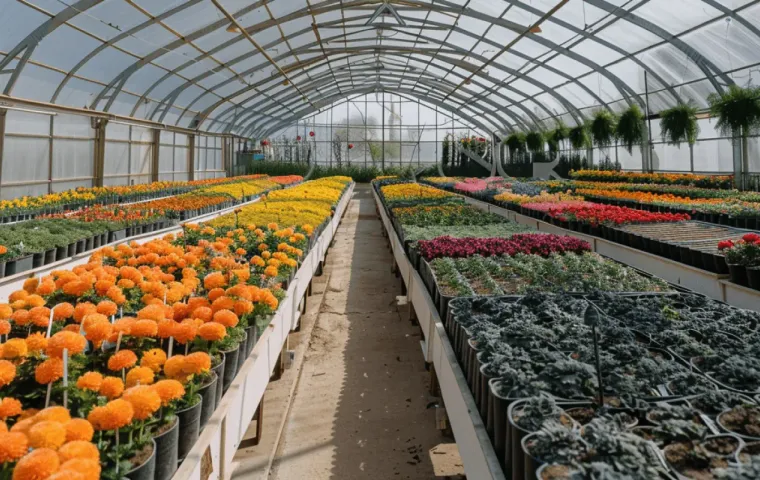 Propagation and planting material
Track plant lots, provenance, locations, transplants, recurring care, grading, losses, and readiness for sale or transfer.
Questions before setup
Yes. Use different cultivation plans, stages, fields, and production structures for each technology rather than one universal template.
Yes, when a supported data source or integration is configured. Manual observations and production events can be used before automation is connected.
Gros.farm does not replace local PLCs, controllers, or safety logic. Any exchange of targets or data depends on an assessed integration; local automation remains responsible for physical operation.
Yes. Harvest results can be recorded by date and reviewed in the context of the room, turn, phase history, and other available production data.
Controlled grow rooms
Connect grow rooms, compost or substrate lots, biological phases, climate context, shift work, flushes, yield, and quality.