Check irrigation on the overview page
Open Irrigation, select the Overview tab, and choose the greenhouse and
date you want to check.
1. Check the status
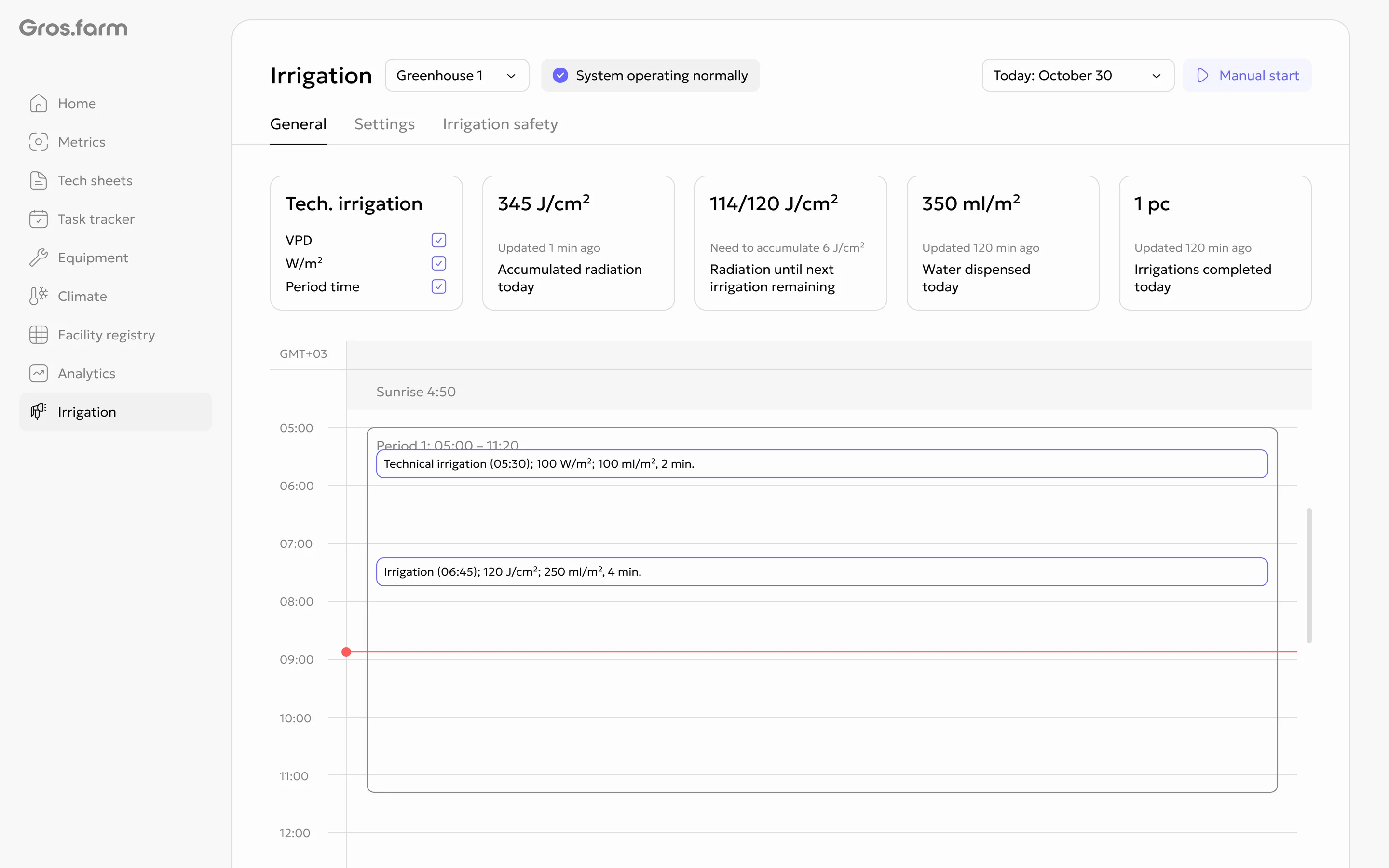
The System operating normally status means that automatic irrigation is
available and follows the configured rules.
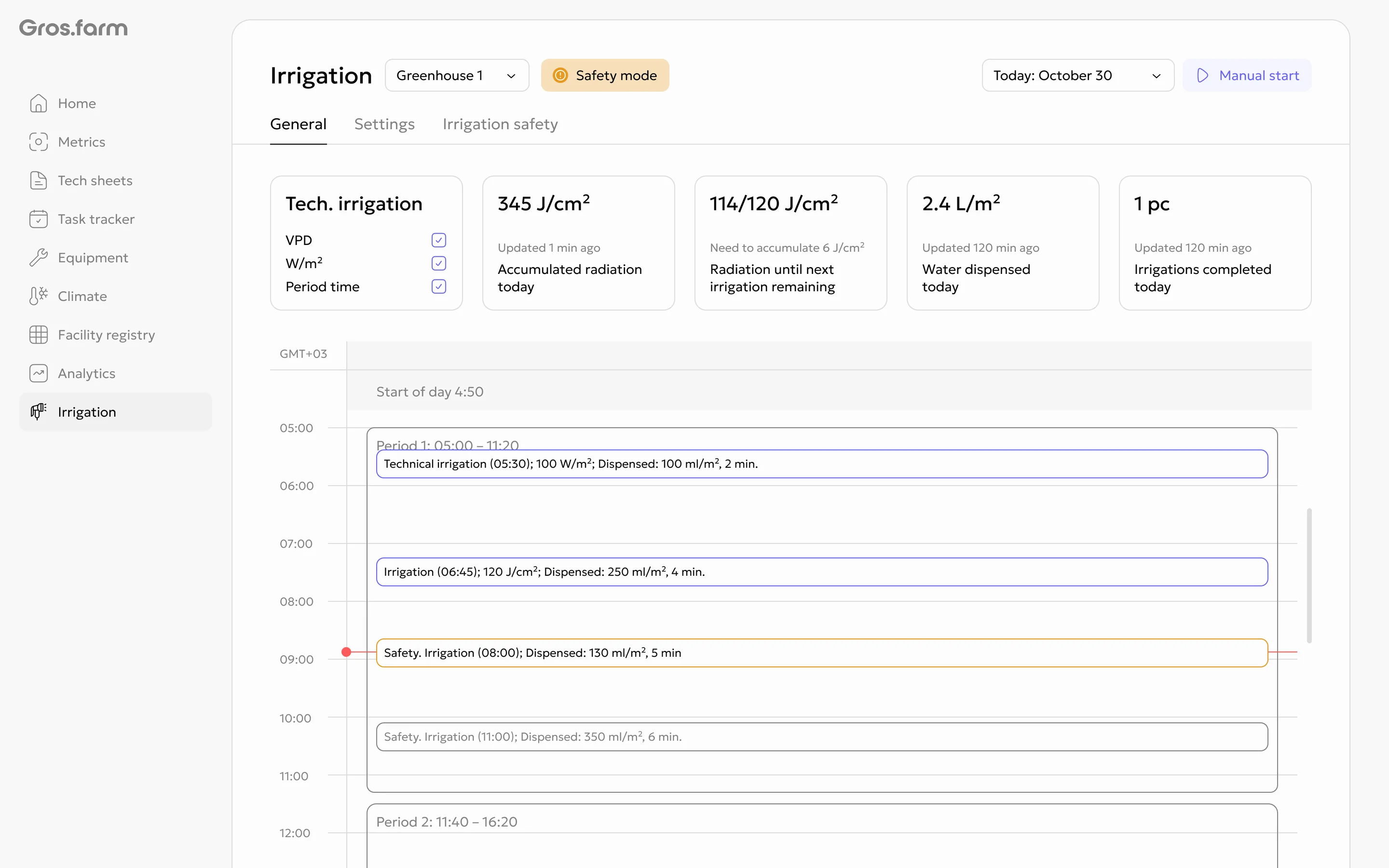
In Safety mode, the timeline also shows backup runs triggered by the safety settings.
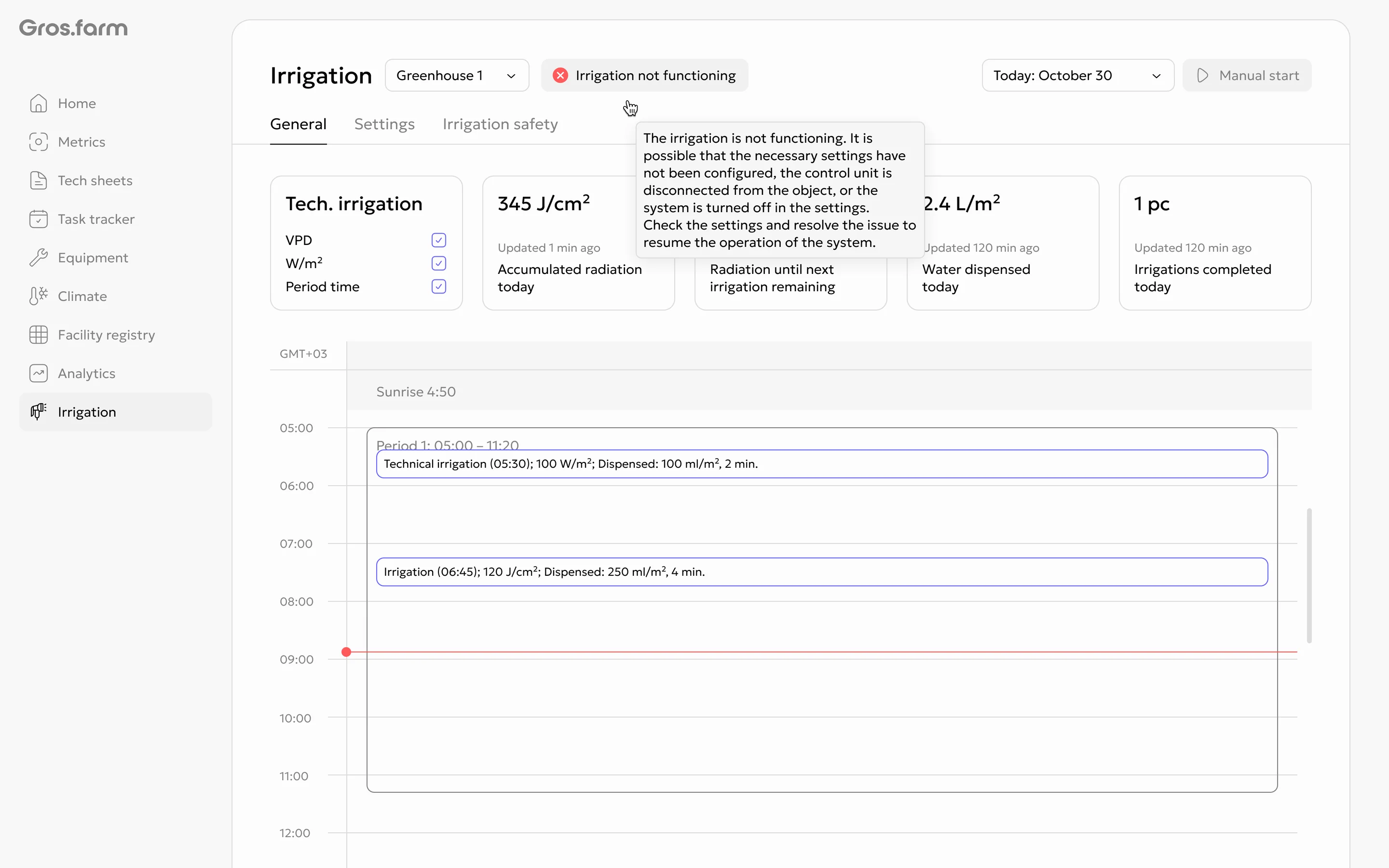
Irrigation not functioning means that the system as a whole is not working:
it is turned off, not configured, or the control unit is detached from the
site. Open the status explanation and check the configuration, connection,
and actual system state with the responsible specialist.
2. Compare today’s indicators
The cards show accumulated radiation, radiation remaining before the next run, water delivered, and the number of completed runs. Consider the displayed update time because values may arrive with a delay.
3. Review the schedule
The timeline shows periods and irrigation runs. For a completed run, it may show the time, trigger condition, volume, and duration when those data are available. The red horizontal line marks the current time.
4. Use manual control only when needed
If Manual start is available, enter the duration and verify the selected
greenhouse before confirming.
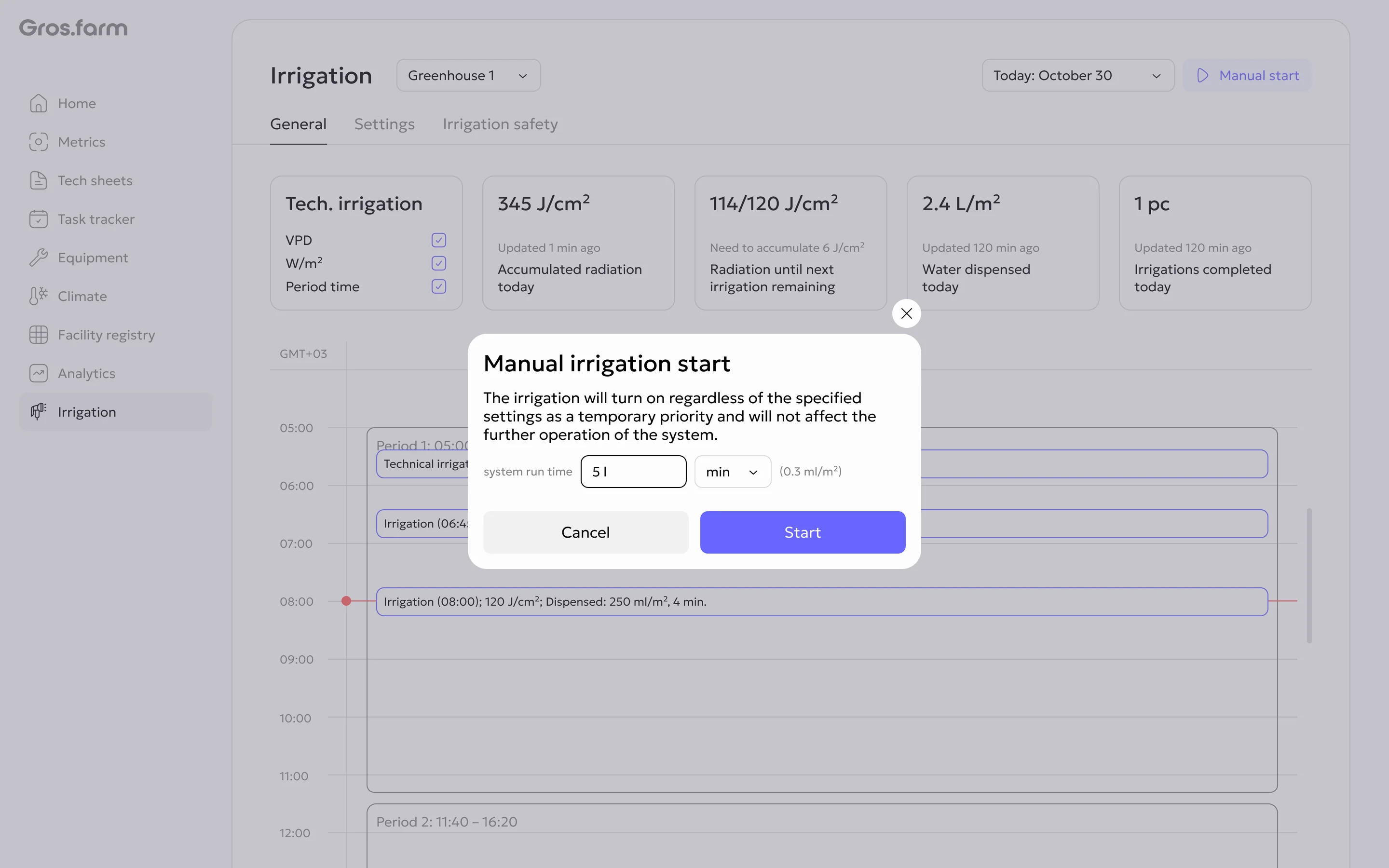
During a manual run, the action changes to Manual stop, which also requires
confirmation.
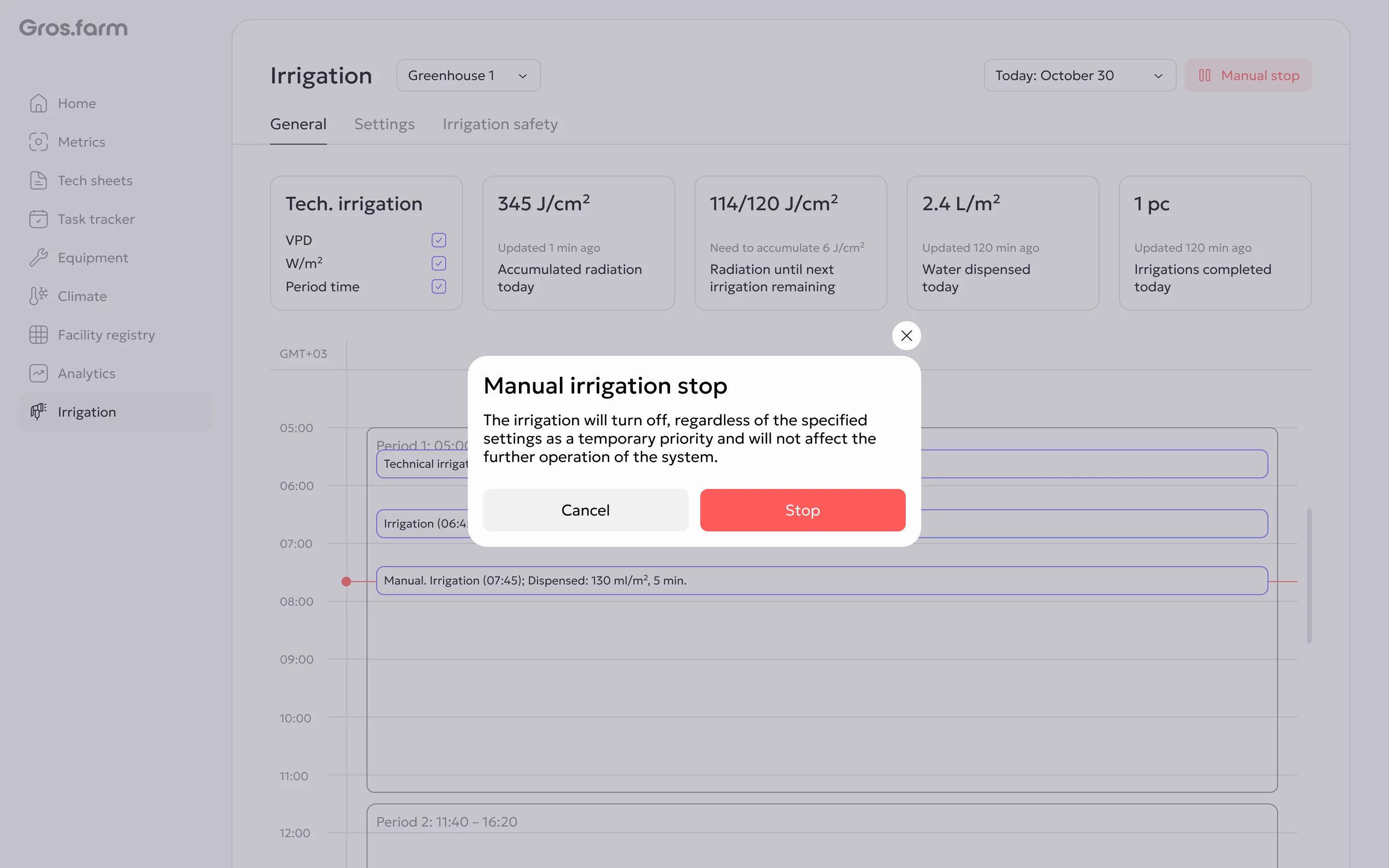
A manual command has temporary priority and does not change the later schedule. Before starting or stopping, make sure the operation is safe for people, plants, and equipment. If the interface differs from the actual site state, stop and contact the person responsible for the engineering system.
For mode setup, see Configure irrigation.