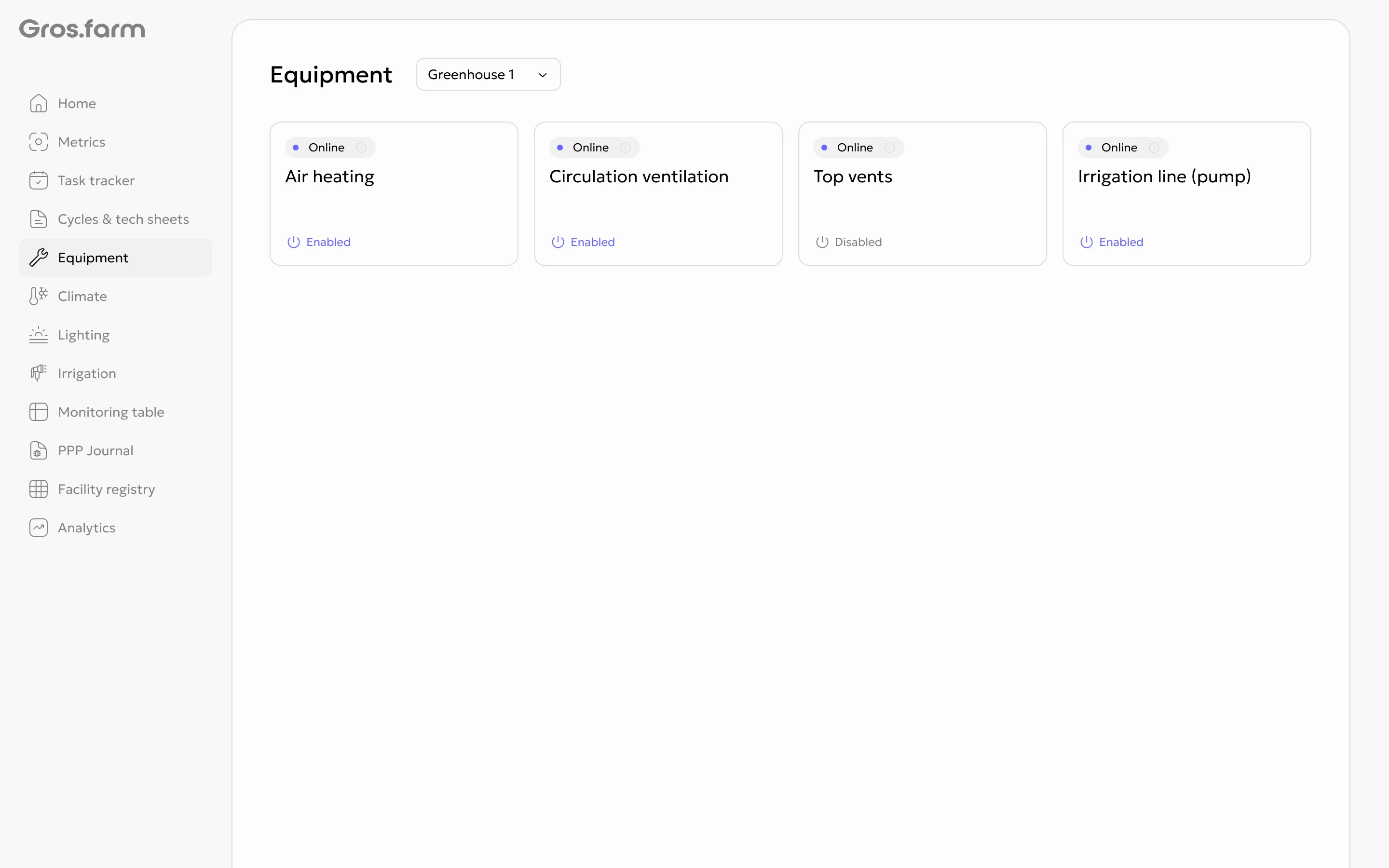
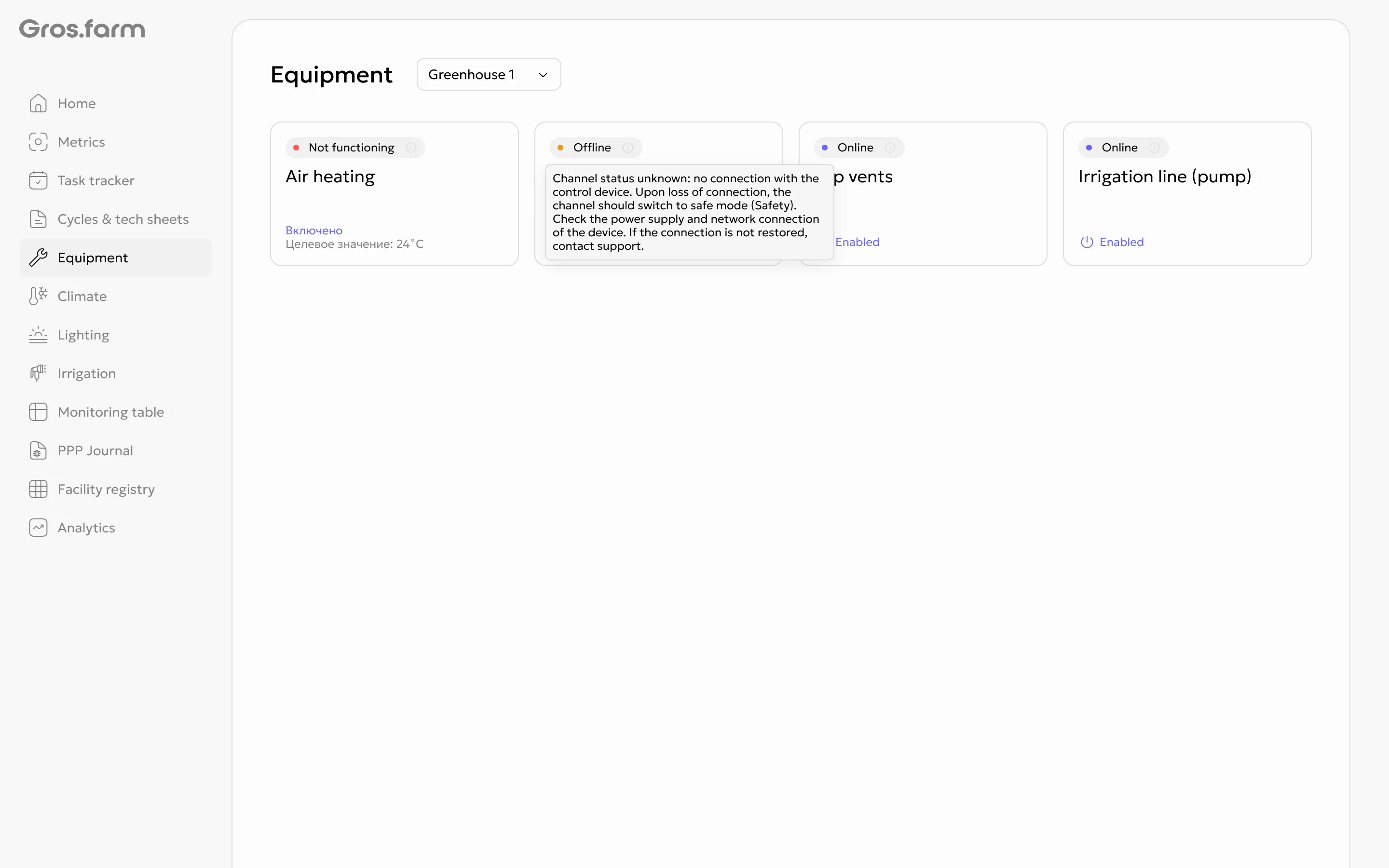
Automation channel states
Automation channels show the current state of equipment functions at a facility: air temperature and humidity, CO₂, air circulation, irrigation, and lighting. Channels are created automatically when data from connected equipment is synchronized.
What an automation channel is
A channel is a logical representation of an equipment function. A separate channel is created for each device or external zone, while OwenCloud parameters create separate channels for marked parameters. A facility can have several channels in the same category; they are not merged into one channel.
How states are displayed
When a channel is operating normally, the interface shows its last received state. For an error or unknown state, the last value is not shown as a replacement for the current status. This helps distinguish current data from unavailable or invalid data.
Effect on automation
Irrigation and lighting automation only require that the facility has at least one channel in the relevant category. The system selects the channel automatically; you do not need to create or choose one manually. Missing climate-group channels are shown as information and do not block climate setup.
Irrigation safety
All irrigation channels participate in safety logic. If any of them remains not OK continuously for 30 minutes, the system switches irrigation to the safety schedule. When all channels return to normal, the timer and safety mode stop immediately. An error on a channel does not block delivery of the safety schedule.
First-version limits
Channel history and numeric data are not displayed yet. You cannot create channels manually, select a specific channel for automation, or use a channel state as confirmation of the equipment’s actual operating duration.
Equipment status examples