How to check automation channel states
On an automation page, check the state of the channels that the selected function depends on.
What to check
- Open the settings for the required automation.
- Make sure the facility has a channel in the needed category: an irrigation channel for irrigation, or a lighting channel for lighting.
- Check the channel’s current status. OK means the system uses the last received state; an error or unknown status requires checking the equipment connection and data.
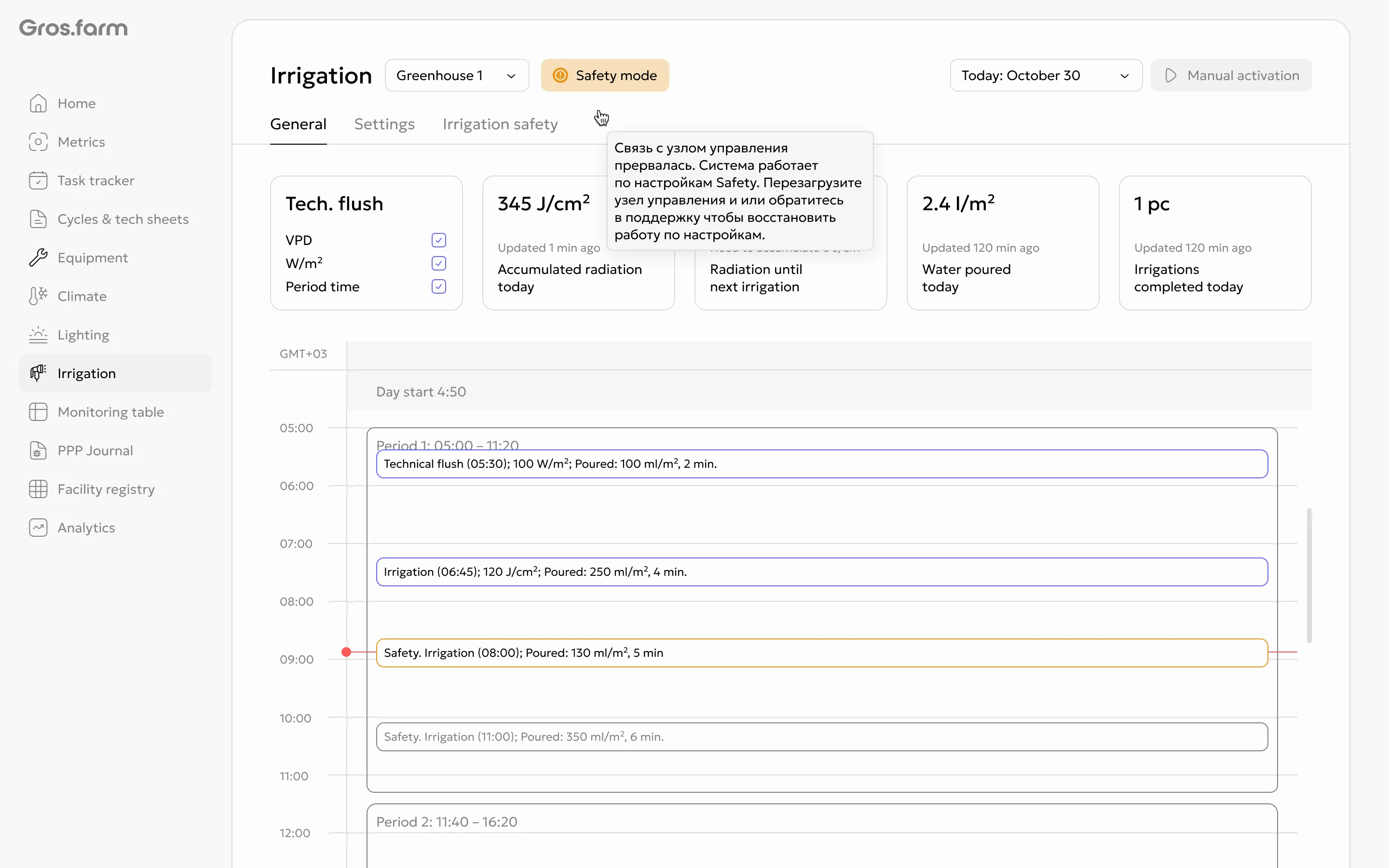
- For irrigation, keep the safety logic in mind: if at least one irrigation channel remains not OK for 30 continuous minutes, the system switches to the safety schedule.
- When all irrigation channels recover, safety mode ends automatically.
If the needed channel is missing
Channels are created during synchronization of connected equipment. Check that the device or parameter is marked for automation and is sending data. If the channel does not appear after synchronization, contact a Gros.farm specialist.
Interface examples