
Transplanted crops
Record seedling batch, planting date, establishment, and development by plot.
Cabbage, tomato, pepper, celery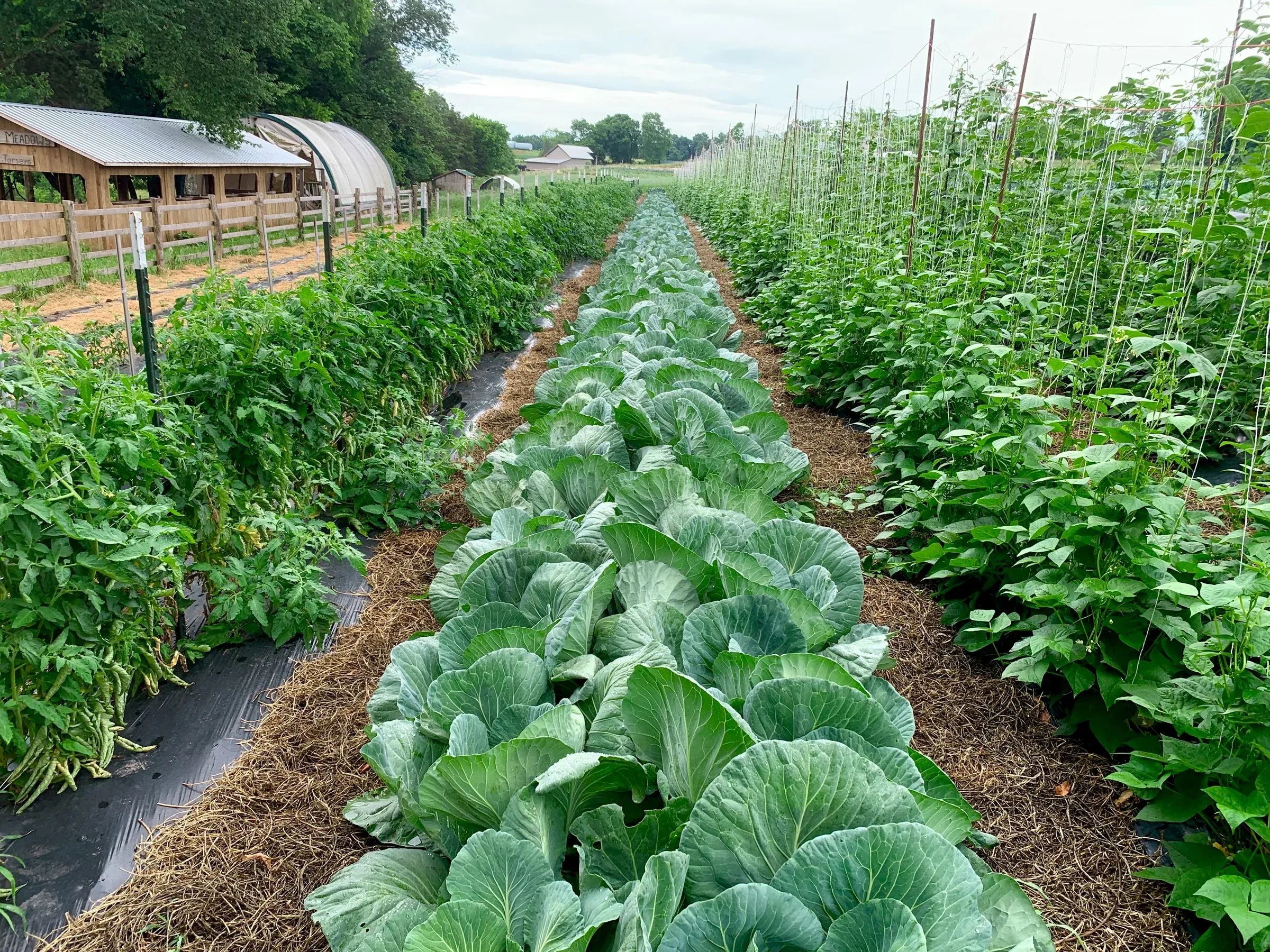
Open-field vegetables
Plan work by plot and crop, send tasks to the field, account for weather, and record treatments and harvests. Agronomists see deviations; managers see production plan versus actual.
Vegetable production without blind spots
Sowing and planting happen in waves. Irrigation, nutrition, protection, and harvest depend on stage and weather. Gros.farm organises decisions around each plot and cycle.
Record seedling batch, planting date, establishment, and development by plot.
Cabbage, tomato, pepper, celeryConnect seeds, sowing, emergence, density, and inter-row work to the plot.
Carrot, onion, beetroot, leafy cropsPlan picks and record volume and quality for every harvest wave.
Cucumber, courgette, beans, tomatoOne season, one history
The growing plan sets operations and targets. Tasks distribute work. Observations, weather, and harvest show where deviations appeared.
Plot, soil, and work plan.
Sowing or planting, area, and date.
Irrigation, nutrition, and inter-row work.
Inspections, decisions, and treatments.
Stage, quality, and harvest readiness.
Timing, volume, and crop quality.
Fields, plots, and production cycles
Divide the farm into fields, blocks, or beds. Keep crop, variety or hybrid, area, dates, owner, and planned output in the cycle.
Registry
Growing plan
Protocol by crop and timing
Early cabbage, direct-seeded carrots, and repeated cucumber harvests need different operations. Adapt the plan to crop, plot, and timing.
Field team work
The agronomist assigns planned or urgent work. The worker confirms completion and adds a comment or photo. Delays are immediately visible.
Tasks
Field work window
Rainfall, wind, and temperature determine when to irrigate, spray, and enter the field. Compare weather data with work and observations.
Field journal
Record stage, issue, and photo on the plot. Observations, weather, and completed work remain on one timeline.
Monitoring
Treatments
Treatments and crop-protection log
Plan treatment and record actuals by cycle. The agronomist sees execution conditions and when the plot can return to harvest.
Harvest plan versus actual
One total hides the dynamics of repeatedly picked crops. Compare plan and actual by timing, volume, and quality.

A workspace for people and AI
AI sees the plot, crop, timing, weather, work, and observations. It finds gaps and compares cycles while decisions stay with the agronomist.
How the Gros.farm AI platform worksTasks, observations, photos, and harvest enter daily work.
The system ties it to plot, crop, stage, and date.
The agronomist receives comparisons and questions to verify.
Questions to ask the data
Start with one plot and one crop
Import Excel data, add the current crop and next tasks. Once the team validates the workflow, connect the remaining plots.
Field, block, or beds in the familiar structure.
Crop, variety, area, and key dates.
Growing-plan operations or next tasks.
Vegetable-farm questions
This page covers intensive vegetable production. Gros.farm is not positioned as a land-bank, combine, or grain-logistics system.
Configure your crops, varieties, stages, and indicators. Direct seeding, transplanting, single harvest, and repeated picks are supported.
Yes. The plot remains in the registry; every cycle receives its crop, protocol, dates, tasks, and result.
No. External weather is already available. Start with plots, plans, tasks, and manual observations; add sensors later.
Yes. Import structure, crop, dates, and indicators; validate the workflow, then extend it to other fields.
No. Gros.farm combines protocols, work, observations, and results. AI helps analyse them, but agronomists decide.
First plot
Plot, crop, protocol, tasks, observations, and harvest—in one system.