Скачайте Gros.farm
Download Gros.farm
for desktop
Work with analytics and farm management
on a larger screen. Choose your operating system
and install the app for Windows or macOS.


Frequently asked questions
Yes. The app supports offline use. Before you start, data (tasks, objects) is downloaded to your device. You can complete tasks and enter data without a network. When the internet is back, everything syncs automatically.
Almost everything:
- view analytics
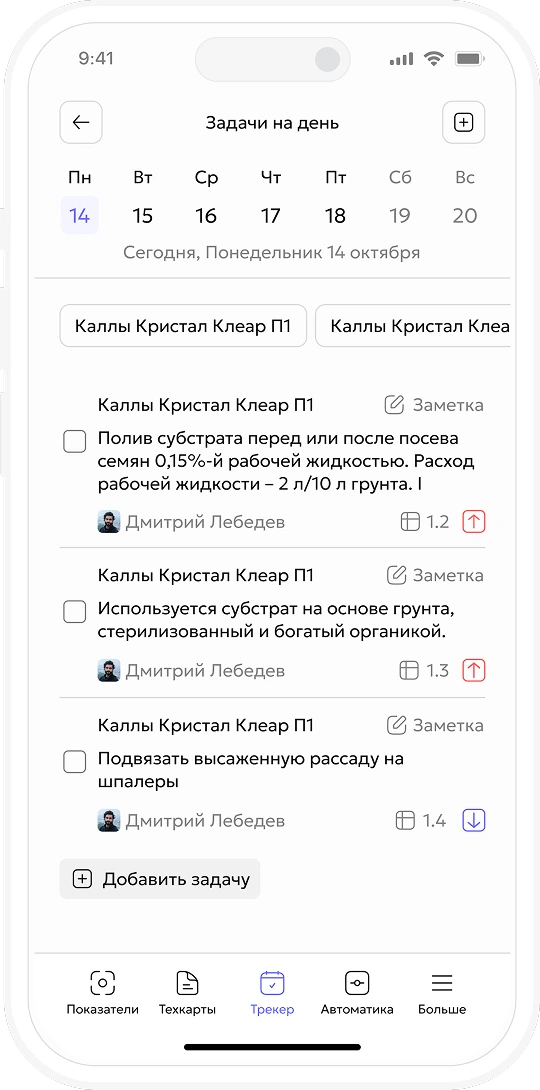
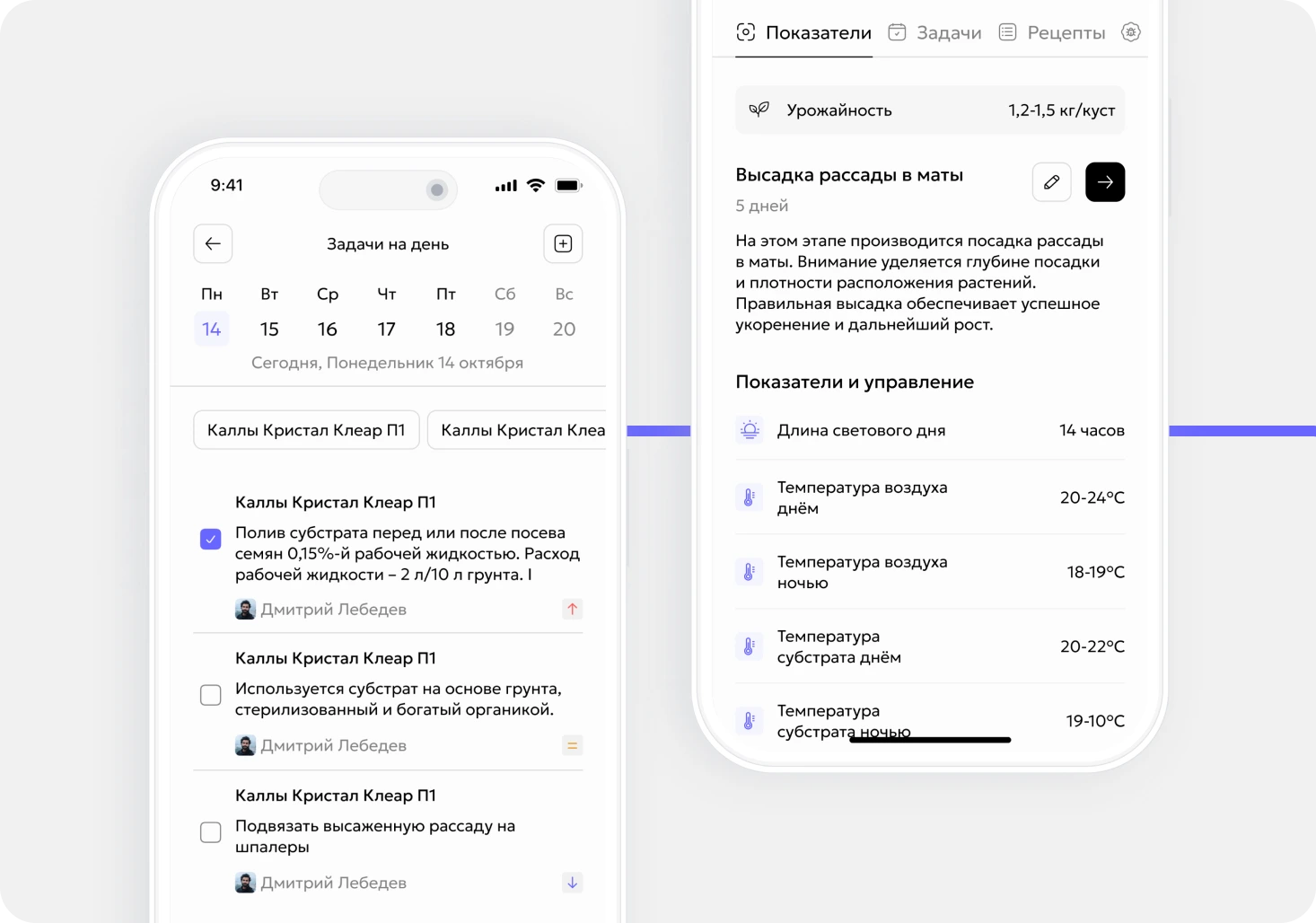
- work with tasks
- enter data
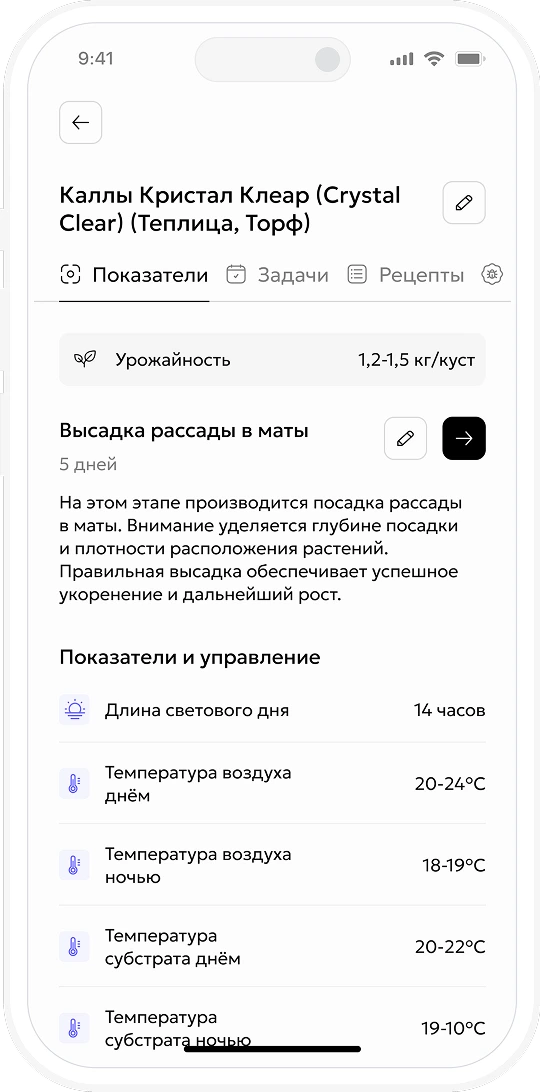
- manage tech maps
- change growth stages
The app is a full working version of Gros.farm.
There are no functional limits. Heavier work — spreadsheets or detailed analytics — is often easier on a larger screen.
Yes, all data syncs automatically. You can start on desktop and continue on your phone — or the other way around.
No. Download the app and sign in. The interface is intuitive — you’ll see your objects, tasks, and data right away.
Yes. One user can work in several organizations. Switching between them takes just a few seconds.
When you’re away from a desk:
- in the greenhouse
- in the field
- at the warehouse
- when supervising staff
In about 30 seconds you can:
- check metrics
- enter data
- create or close a task
No, the mobile app is free. You use the same account as on the web — one user, no double billing.