Schedule slots
Irrigation starts at selected times. In each slot, set a volume in ml/m² or the number of run minutes.
Set up irrigation by schedule, accumulated solar radiation and environmental conditions. Check irrigation scenarios on site from desktop or mobile.
You choose the start condition — schedule slots or periods by accumulated solar radiation — and the duration: by water volume or run time.
Irrigation starts at selected times. In each slot, set a volume in ml/m² or the number of run minutes.
Gros.farm calculates the solar radiation sum in a set interval and starts irrigation when the threshold is reached. You can limit the frequency.
Set water volume per area or run minutes. After calibration, the system converts one value into the other.
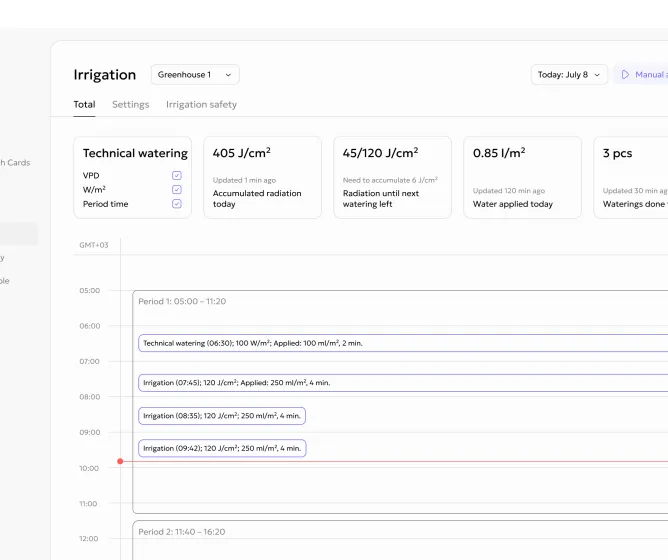
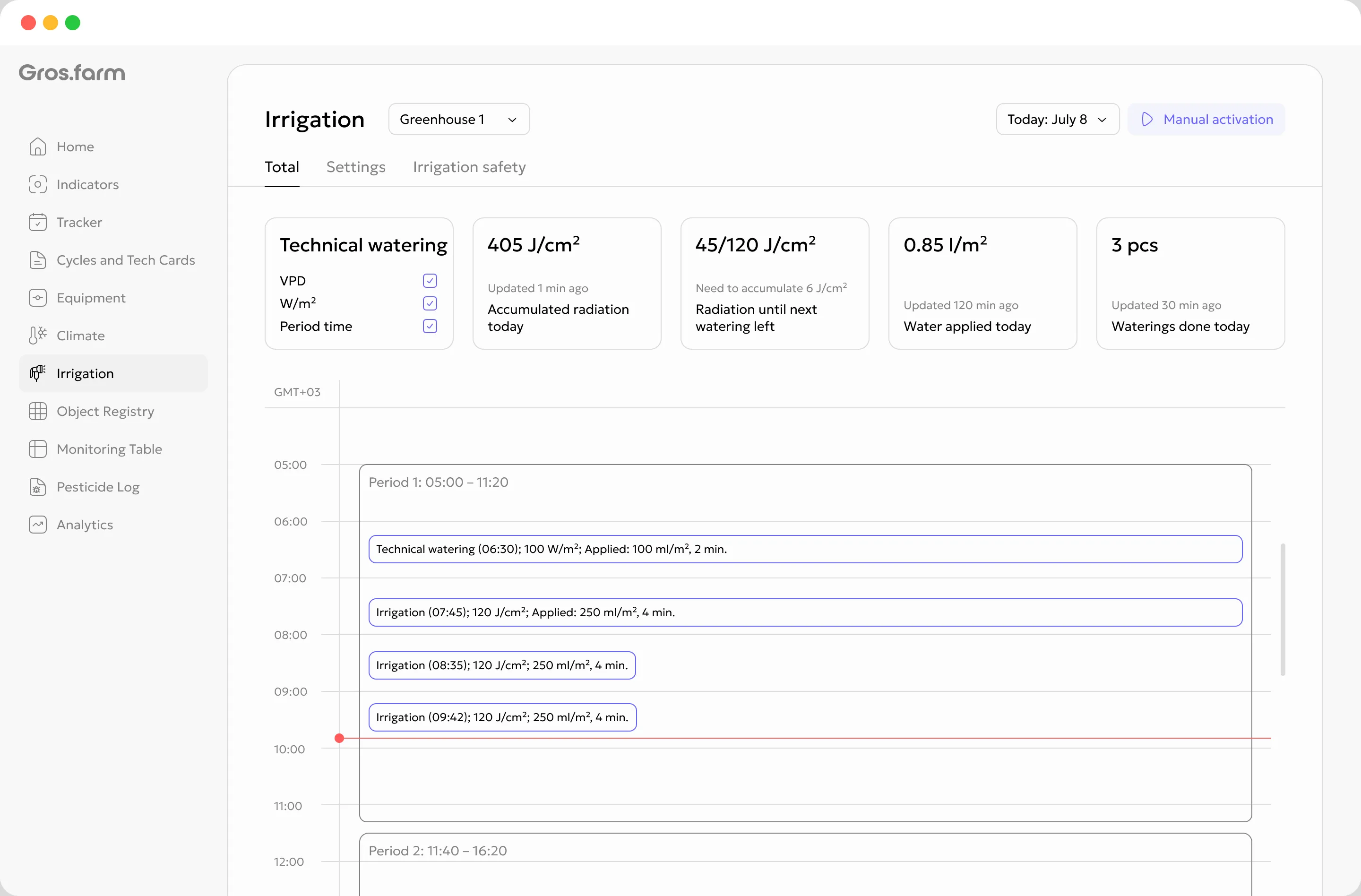
The Overview tab shows irrigation status for the selected greenhouse: accumulated radiation, progress to the next irrigation, delivered water volume and number of starts. The daily timeline shows what has already happened and what is scheduled next.
Irrigation conditions use connected sensors and calculated metrics. The decision depends not only on a timer, but also on what is happening at the site.
Irrigation can wait until the required solar radiation sum is reached for a selected period.
Temperature, humidity and VPD help avoid running irrigation blindly.
Values are shown together with the site, crop, stage and history.
The scenario setup shows whether there is enough data and equipment for the selected logic: the control node and actuator are connected, sources are available, flow calibration is complete and Safety mode is configured. If something is missing, Gros.farm shows a specific action: select a source, run calibration or connect equipment. Routine changes are saved automatically; changing the operating principle requires separate confirmation.
Calibration is required for all modes: Gros.farm needs the actual equipment flow rate. You run a test irrigation, measure the volume from one point and, if needed, repeat the measurement to get an average value. Then you enter the number of outlets per m² and the zone area, and the system calculates flow rate and converts run time into water volume and back.
Automation performs irrigation; Gros.farm sets the logic.
About automationLocal automation runs irrigation and protective scenarios on site. In Safety mode, the control node stores a backup schedule for up to a week: if connection or data is lost, it keeps irrigation running and returns to the main logic after recovery.
Gros.farm calculates when to start irrigation and how much water to apply: by slots, accumulated solar radiation, data sources, crop plan, frequency limits and flow calibration.
Yes. You configure slots: start time and duration by water volume or run time.
Yes. You can check the scenario and its status from desktop or mobile, so you can work with irrigation directly on site.
It runs once before the first radiation period: it helps check the system and pre-wet the substrate before the main irrigations.
Safety mode stores a backup schedule in the control node. If connection or data is lost, irrigation keeps working autonomously; after recovery, the system returns to the main logic.
Irrigation status for the selected greenhouse, key metrics, periods and events for the selected day.
For a simple schedule, connected local automation is enough. Radiation periods and technical irrigation require the relevant data sources.
No. Gros.farm helps configure irrigation logic and connect it with data. Physical execution stays with local controllers, valves, pumps and other equipment.
Move from manual starts and simple timers to irrigation that accounts for schedule, solar radiation, environmental data and local automation.