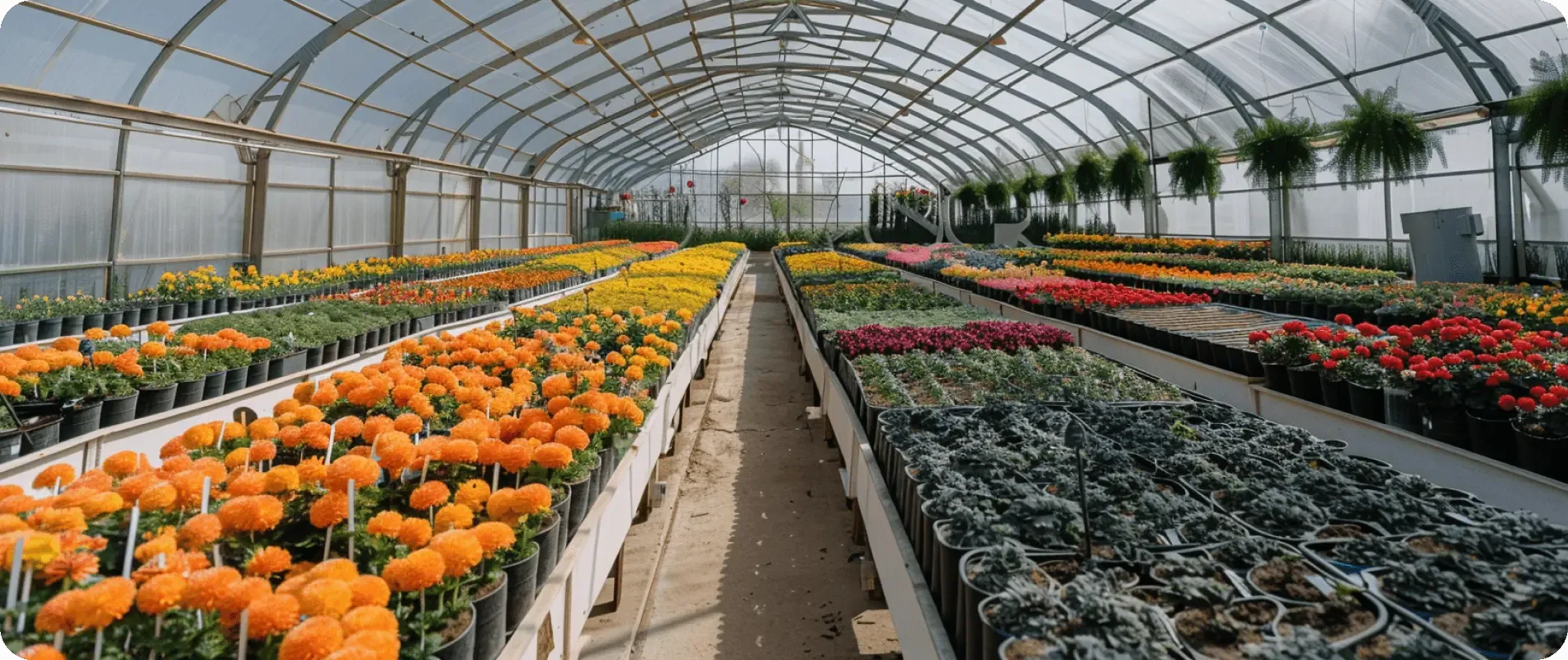
Nursery greenhouse with batches of container plants

AI platform and workspace for plant nurseries

Plant nursery software — from mother stock to a sale-ready batch

Know the origin, age, location, and actual count of every plant batch. In Gros.farm, the team manages mother stock, propagation, growing on, repotting, losses, and grading, turning production history into working context for people, experts, and AI.

Try for free

Production history, not an anonymous stock balance

The same plant count can represent completely different material

A thousand rooted cuttings, a thousand budded rootstocks, and a thousand container plants ready for dispatch are not one stock line. Origin, site, age, stage, container size, losses, grade, and expected yield all matter.

Batch passport

Every move changes the location, but never loses the origin

Mother stock or seed lot, propagation date, field or container yard, survival, completed work, and grading results form one continuous history. It shows where losses appeared and what affected output.

  1. 01

    Source material

    Mother stock or seed lot, crop, variety, rootstock, and origin.

  2. 02

    Propagation

    Sowing, cuttings, division, budding, or grafting.

  3. 03

    Rooting

    Start date, conditions, inspections, survival, and first losses.

  4. 04

    Repotting and growing on

    New location, container, care, nutrition, and protection.

  5. 05

    Inventory

    Actual count, rejects, grading, and quality.

  6. 06

    Readiness

    Yield of standard material and sale readiness.

Different nurseries need different accounting units

Do not force fruit, container, and forest nurseries into one model

Object names, registry depth, batch fields, production stages, and metrics follow the real operation—from a rootstock row to a container block or seedbed.

01

Fruit and berry nurseries

Keep the rootstock–scion–variety link through to the finished plant

A fruit or berry plant has a long biography: rootstock and scion origin, budding or grafting date, survival, growing field, and final quality grade. Gros.farm preserves that link after every operation.

Example structureNursery → field → block or row → batch
  • Mother blocks, rootstocks, scion material, and plant batches
  • Budding, grafting, training, lifting, and grading
  • Post-graft survival, losses, and yield by quality grade
  • Treatments, observations, and weather by field and batch
02

Ornamental and container nurseries

Know what occupies each site and when the batch is ready for sale

The same variety can grow in different containers and stages at once. The exact batch matters: where it is, when it was repotted, how many plants remain, and whether it meets the quality standard.

Example structureNursery → site → block → batch
  • Greenhouses, outdoor container yards, blocks, and overwintering areas
  • Container size, repotting, training, nutrition, and protection
  • Actual count, age, and area occupied by the batch
  • Quality criteria and material readiness for sale
03

Forest and mass-production nurseries

Manage high-volume sowings without losing site, age, or origin

With tens of thousands of seedlings, errors in area, density, or timing quickly become production losses. Departments, fields, and batches make mass work assignable and actual output visible.

Example structureNursery → department → field or block → batch
  • Seedbeds, transplant beds, growing fields, and greenhouse zones
  • Sowing, care, root pruning, lifting, and other mass operations
  • Area, density, age, actual losses, and output
  • Weather, inspections, and exceptions by field or batch

Production map

Open a site and see which batches occupy it today

Growing fields, greenhouses, beds, container yards, blocks, and rows become managed objects. Each holds batches with crop, variety, origin, start date, age, area, count, owner, and expected yield.

  • Hierarchy from the nursery estate down to a row or block
  • Batch passport with origin, age, and current location
  • Custom fields for container, rootstock, grade, and quality
  • Tasks, observations, and results alongside each object

Crop protocols

Turn the growing method into specific operations, not generic reminders

A protocol records stages, rates, dates, instructions, and target metrics for a crop and propagation method. Adapt a proven process for the next batch, variety, or site.

  • Substrate preparation, sowing, cuttings, grafting, and rooting
  • Pricking out, repotting, training, nutrition, protection, and hardening
  • Custom rates and checkpoints by crop, variety, and site
  • Tasks and metrics linked to the current batch stage

Tasks and team

The crew receives work for a specific block and batch—not just “water the conifers”

Each task already contains the location, crop, batch, due date, instruction, and owner. Workers know the scope, agronomists accept the result, and managers see unfinished work before it affects plants.

  • Watering, feeding, treatments, repotting, training, and inventory
  • Scheduled protocol operations and urgent agronomist tasks
  • Photos, comments, and actual field data
  • Team calendar, completion status, and overdue control

Metrics and monitoring

View growing conditions beside losses, treatments, and transplants

External weather is already available for outdoor sites. Add manual readings or sensors in greenhouses. One chart aligns readings, work, and events over the same period.

  • Outdoor weather without a separate service
  • Air and substrate temperature, humidity, and other metrics
  • Manual inspections, photos, and agronomist comments
  • Repotting, treatments, and exceptions on one timeline
GFAi

Gros.farm as a workspace for people and AI

AI should not have to guess what happened to a batch

A useful answer starts with nursery data. Batch passports, protocols, tasks, observations, weather, readings, inventories, and actual output are tied to a place and stage. With that context, AI helps compare batches and investigate exceptions with the agronomist.

How the Gros.farm AI platform works
  1. 01

    The team runs production

    Objects, batches, protocols, tasks, observations, and photos appear during daily work.

  2. 02

    Facts gain context

    Each record connects to a site, crop, batch, stage, owner, and outcome.

  3. 03

    AI works with history

    The model compares batches, spots gaps, and prepares questions for the data.

Questions for nursery history

Work with your batches, not generic advice

  • Which batches fell below target survival after rooting?

  • Where are actual losses rising faster than in comparable batches?

  • Which batches of one crop differ in timing and output?

  • Which sites most often delayed repotting, treatments, or inventory?

  • Which batches lack regular observations or a current count?

  • What events preceded poorer quality or higher rejection?

Planned versus actual output

A stock balance does not show where plants, time, and space were lost

View count together with age, occupied area, survival, completed work, and grade. Then you can see which batch trails the plan and where an agronomist must decide.

Count
Batch balanceInitial and actual count after rooting, repotting, losses, and rejects.
Area
Density and occupancyArea occupied by each batch and load across fields, blocks, and yards.
Age
Material stageAge since start and the actual production stage.
Losses
Survival and mortalityWhere actual count diverged from plan and when losses appeared.
Quality
Grades and categoriesNursery quality criteria, grades, and sorting results.
Output
Sale-ready materialPlanned and actual output by crop, variety, batch, and site.

Your first batch in one working day

Digitize a real site without a six-month implementation project

Take the current spreadsheet, one site, and one live batch. Import key fields, add upcoming work, and start recording actuals. Connect other objects gradually.

  1. 01

    Describe the site

    Add a field, greenhouse, bed, or container yard in your familiar structure.

  2. 02

    Import the current batch

    Load crop, variety, origin, date, count, and other spreadsheet fields.

  3. 03

    Assign upcoming work

    Add a protocol or just the current operations and begin recording completion.

Frequently asked questions

Practical questions about plant and batch records

How do we organize nursery records if everything is currently in Excel?

Start with one active site and batch. Create the object structure, import crop, variety, origin, date, and count, then add upcoming operations. Move the remaining sheets after the model works.

Which nurseries can use Gros.farm?

Fruit, berry, ornamental, container, forest, and other nurseries. Configure your own objects, batch fields, crops, varieties, stages, and metrics.

What can a planting-material batch passport store?

Site, crop, variety, origin, start date, age, area, plant count, and owner, plus custom fields for rootstock, container, grade, quality, and output.

Can we start without sensors and automation?

Yes. Start with the registry, protocols, tasks, and manual observations. External weather is included; add sensors and automation when needed.

Can existing Excel sheets be imported?

Yes. Import one working sheet, verify the structure on an active batch, and then extend it to other sites.

How can AI work with nursery data?

AI uses batch passports, protocols, tasks, observations, metrics, weather, inventories, and output to compare batches and spot gaps. The agronomist makes the decisions.

Does Gros.farm replace inventory, sales, or local automation?

No. Gros.farm manages growing context. Inventory and sales can use the data through integrations, while equipment remains under local automation.

Start with one batch

Remove at least one scattered production spreadsheet this season

Add a site, import the batch passport, and assign upcoming work. Then scale the model across the nursery.

Start for free